

Print quality checks
Find out whether a model will print before you spend an hour slicing it. Thingport checks a model’s STL, OBJ, 3MF, STEP and glTF files for the problems that spoil prints, and tells you what it found and how serious it is.
How it works
Section titled “How it works”The first time anyone opens a model, its files are checked on the server while the page is open: a few seconds for most models, longer for very detailed ones. Models nobody opens are never checked, so a large library isn’t scanned all at once.
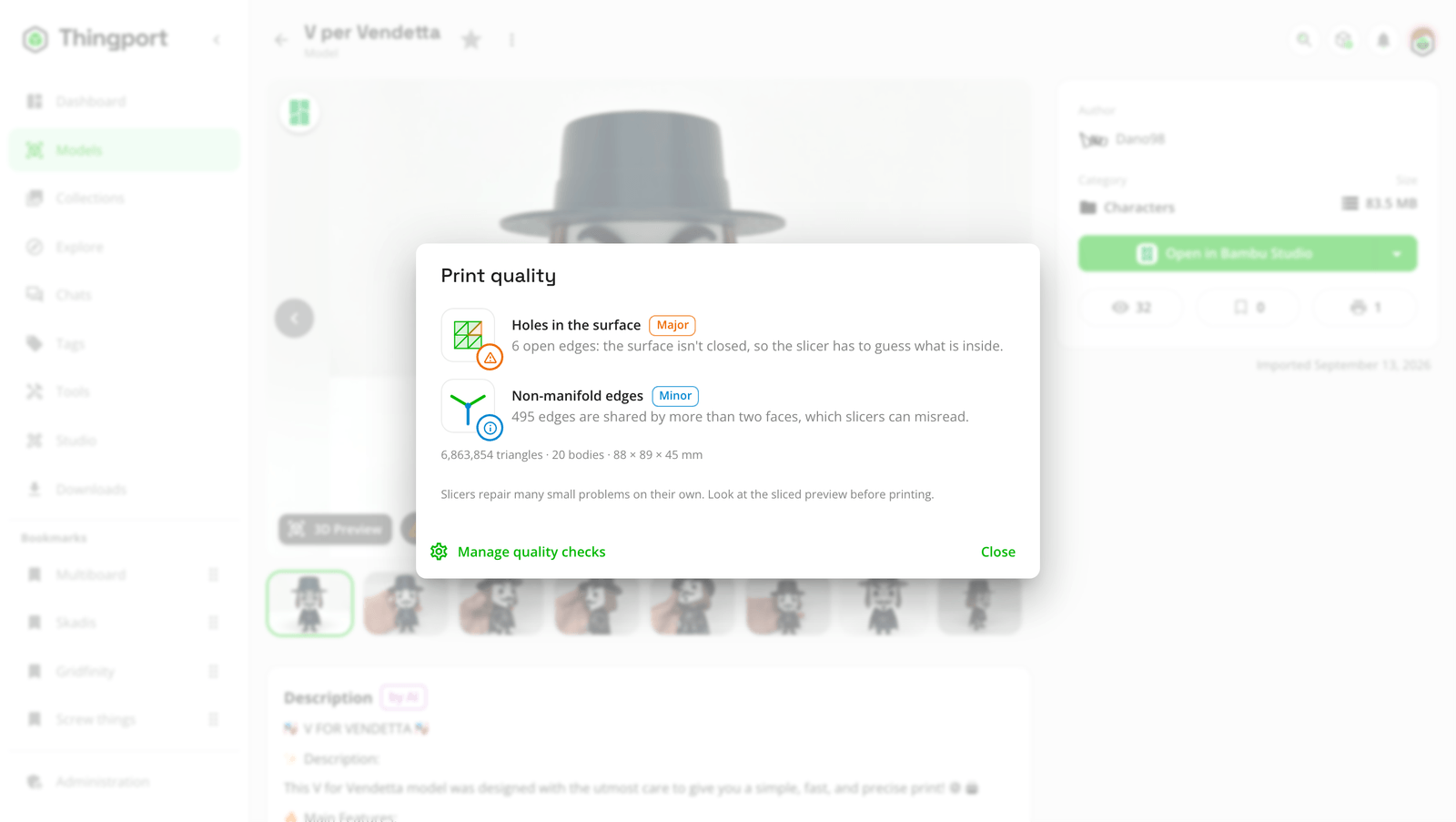
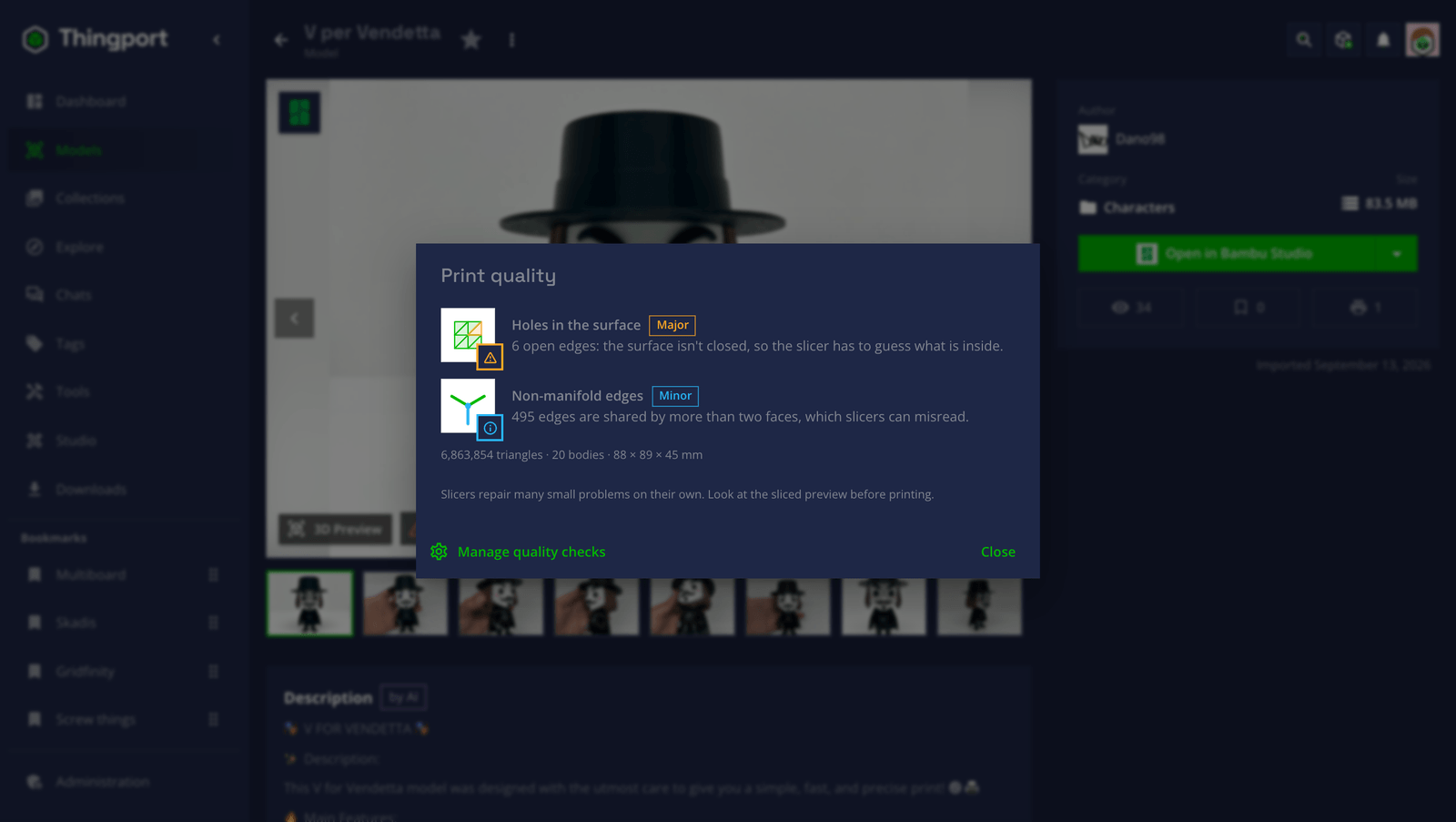
When the check is done, a badge appears next to 3D Preview: a tick when nothing was found, or a warning when there are problems. Click it for the Print quality report, with every problem, what it means and how serious it is, plus the model’s triangle count, number of bodies and size.
| Severity | What it means |
|---|---|
| Critical | The print fails or comes out incomplete. |
| Major | The model likely prints with defects. |
| Minor | Slicers usually cope, or it’s a quick fix in one. |
Slicers repair many small problems on their own, so a warning isn’t a verdict: look at the sliced preview before printing.
What it looks for
Section titled “What it looks for”| Problem | What it means |
|---|---|
| Damaged files | The file won’t open, or contains nothing to print. |
| Missing parts | A 3MF refers to part files it doesn’t contain, so pieces will be missing. |
| Holes in the surface | Open edges: the surface isn’t closed, so the slicer has to guess what is inside. |
| Non-manifold edges | Edges shared by more than two faces, which slicers can misread. |
| Flipped faces | Faces turned the opposite way to their neighbours. |
| Inside out | A closed surface that faces inwards. |
| Loose fragments | Tiny separate pieces floating apart from the model. |
| Unlikely size | Under 1 mm or over 2 m across: probably exported in the wrong unit. |
The rules are the ones slicers and Blender’s 3D Print Toolbox use: every edge of a solid belongs to exactly two faces. A file that’s too large, or laid out in a way the check can’t read, is marked Not checked rather than guessed at.
Turning checks off
Section titled “Turning checks off”Admins control the checks for everyone under Administration → Rendering → Print quality checks:
- Check models for print problems switches checking on or off. It’s on by default.
- Choose what to check turns single problems off, such as loose fragments if your models often have them on purpose. A problem switched off is hidden from every model’s report straight away, without checking models again.
Feedback
Section titled “Feedback”Something unclear, wrong or missing on this page? Say so here, or react. It’s kept in GitHub Discussions. Something broken? Report it as a bug.