

Themes, colours and languages
Make Thingport look the way you like, under Configuration → Appearance, from the user menu.
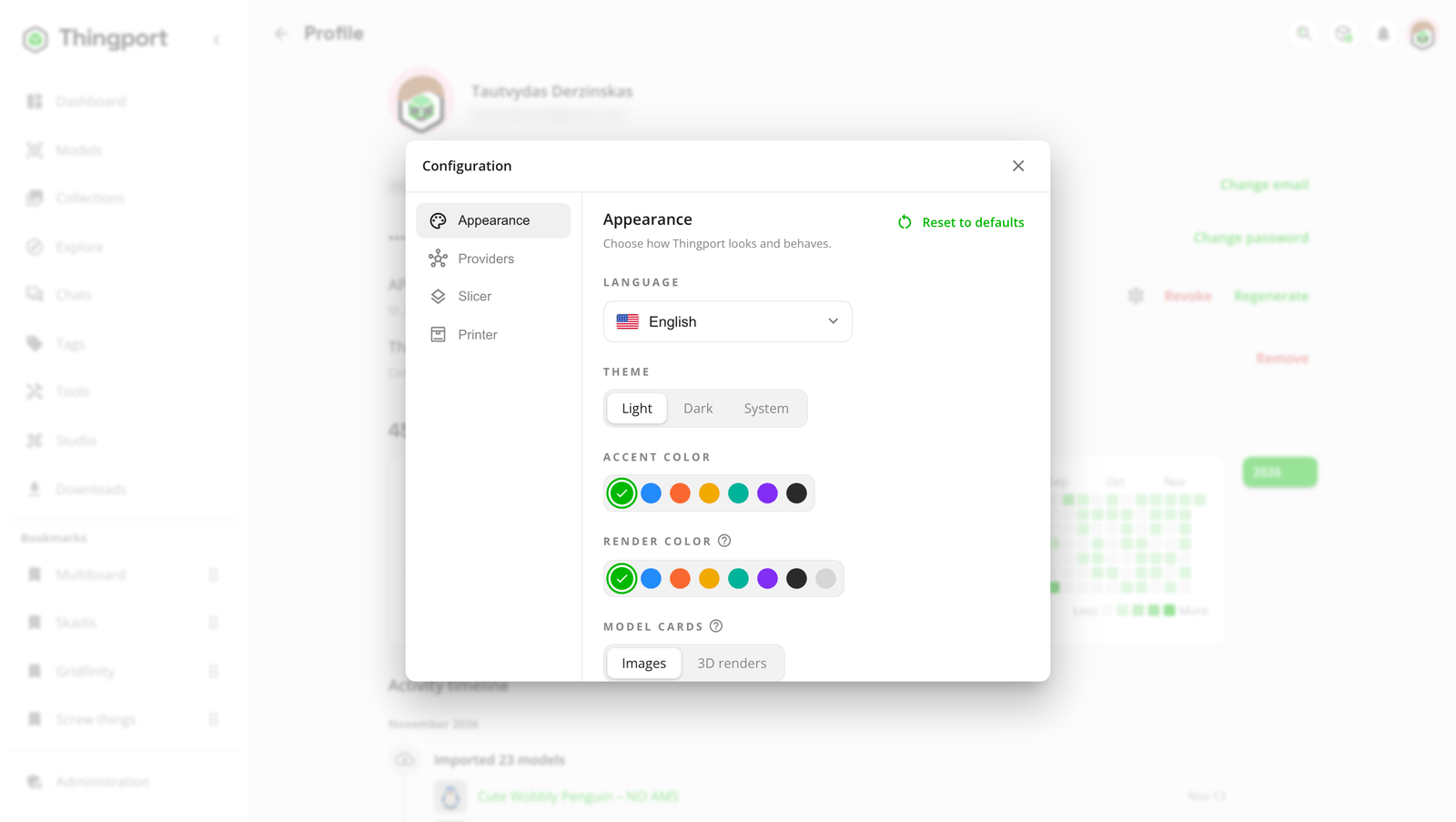
- Language: English, Español, Français, Lietuvių, Русский, Українська, Беларуская and 简体中文, and any language someone has translated it into.
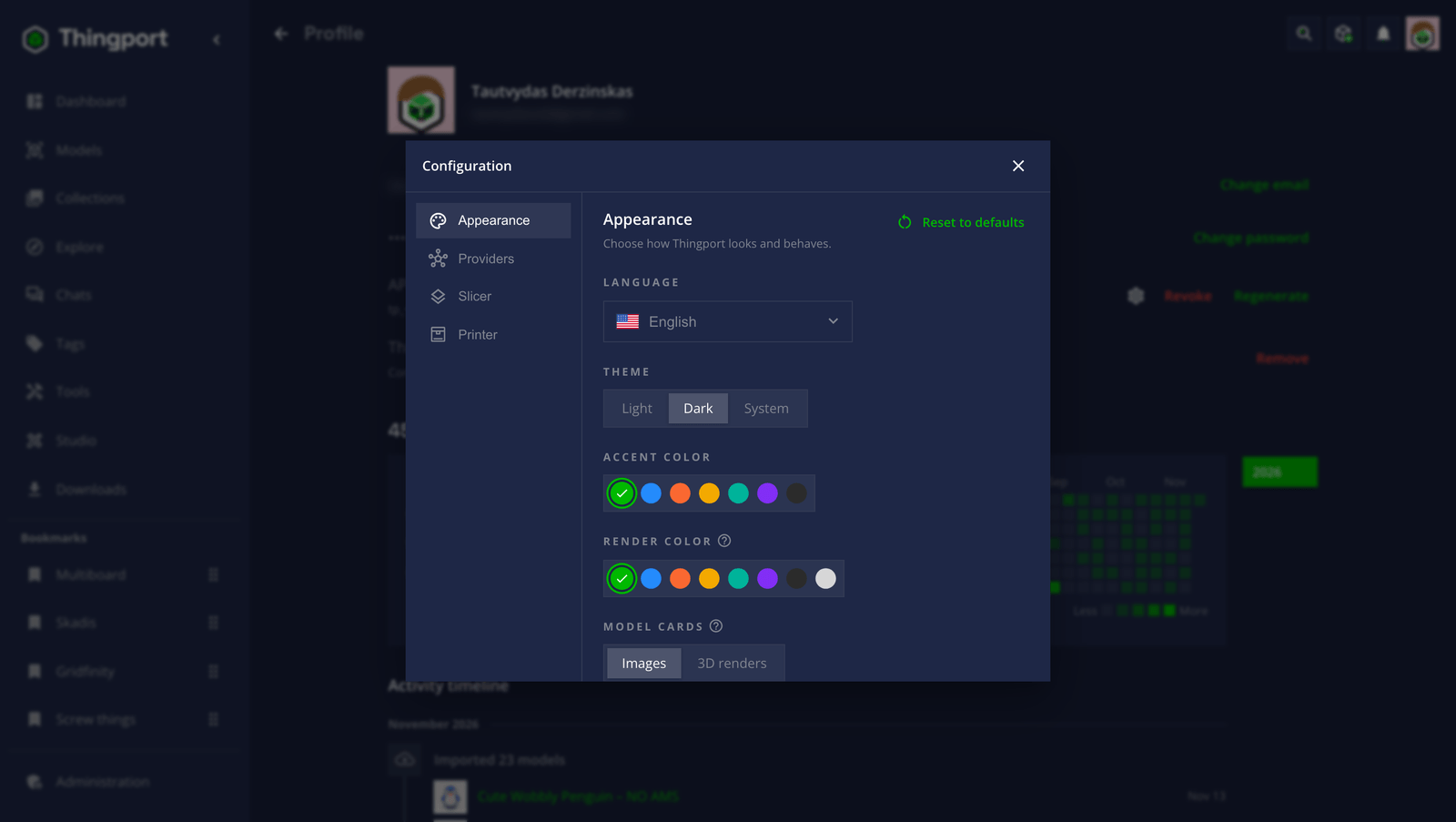
- Theme: Light, Dark, or System to follow your device’s setting.
- Accent colour: Thingport green, graphite, or a provider’s brand colour: Thingiverse blue, Printables orange, Thangs yellow, MyMiniFactory teal or Cults3D purple. It recolours the whole app and its logo, and tints model renders, dashboard lists, tag tiles and the 3D preview.
- Render colour: the colour generated 3D renders and the 3D preview are drawn in; a model that carries colours of its own keeps them in the preview. Picking an accent sets it to match; pick one here to give renders a colour of their own, or light grey for no tint.
- Model cards: what cards show first. Images shows the pictures a model came with, or a 3D render where it has none. 3D renders shows a render of every model in your render colour, for a uniform grid, falling back to its pictures where a file can’t be drawn.
- Print profiles: how a model imported with print profiles shows them on its page: a Picker like the file picker, with the picked profile’s numbers below it; a List of every profile at once; or Tiles of their pictures. Off shows them as plain files.
- Hover slideshow: cards cycle through a model’s pictures while the pointer rests on them.
Reset to defaults, at the top of the section, puts the theme, colours, model cards, print profiles, hover slideshow and author preview back as they came. Your language stays as it is.
The theme and colours are saved to your account, so they follow you to other devices. The language is remembered by each browser. You can also switch theme or language from search: type ! for the commands.
The sidebar can be collapsed to icons, and the dashboard can be rearranged to suit you.
Feedback
Section titled “Feedback”Something unclear, wrong or missing on this page? Say so here, or react. It’s kept in GitHub Discussions. Something broken? Report it as a bug.