

QR code generator
Makes a printable QR code: a link, a Wi-Fi network or a contact, styled, and saved as a 3MF with a part per filament.
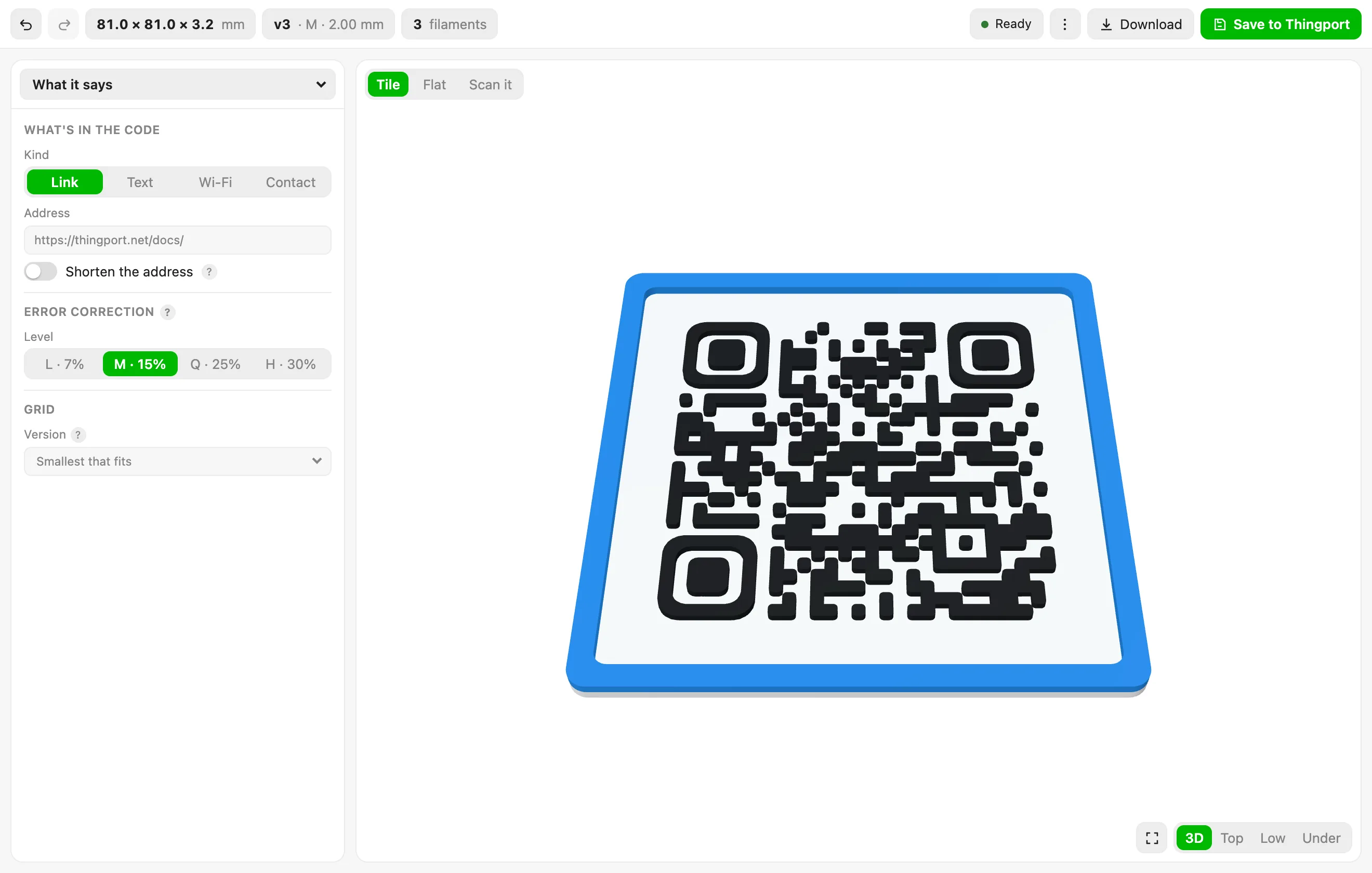
A link becomes a tile at the size it will print, with the code, the tile under it and the border each going to a filament of its own. 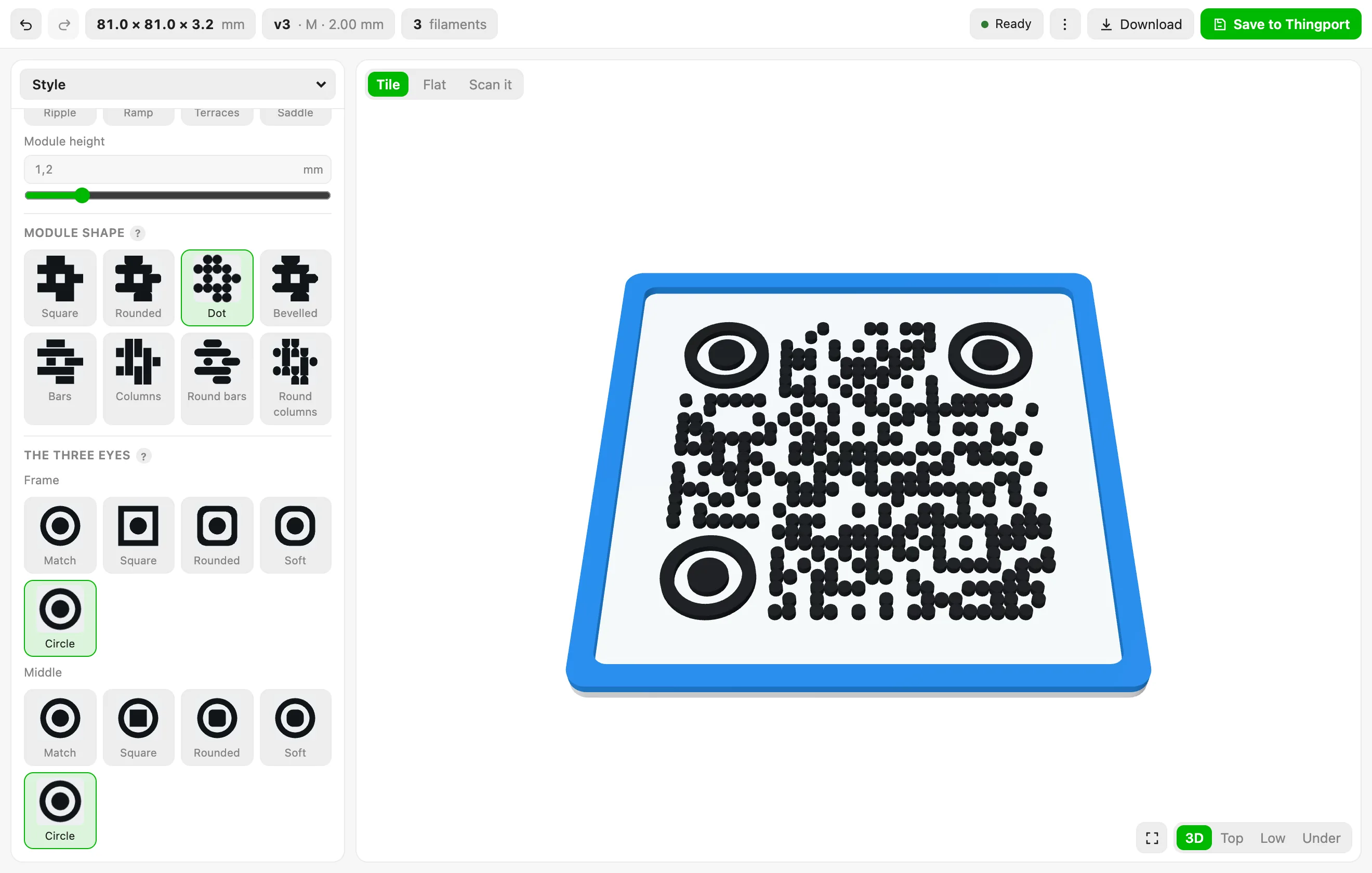
Dots instead of squares, and the three eyes drawn as circles. Every shape is picked from a row of pictures, and the tile redraws as you pick. 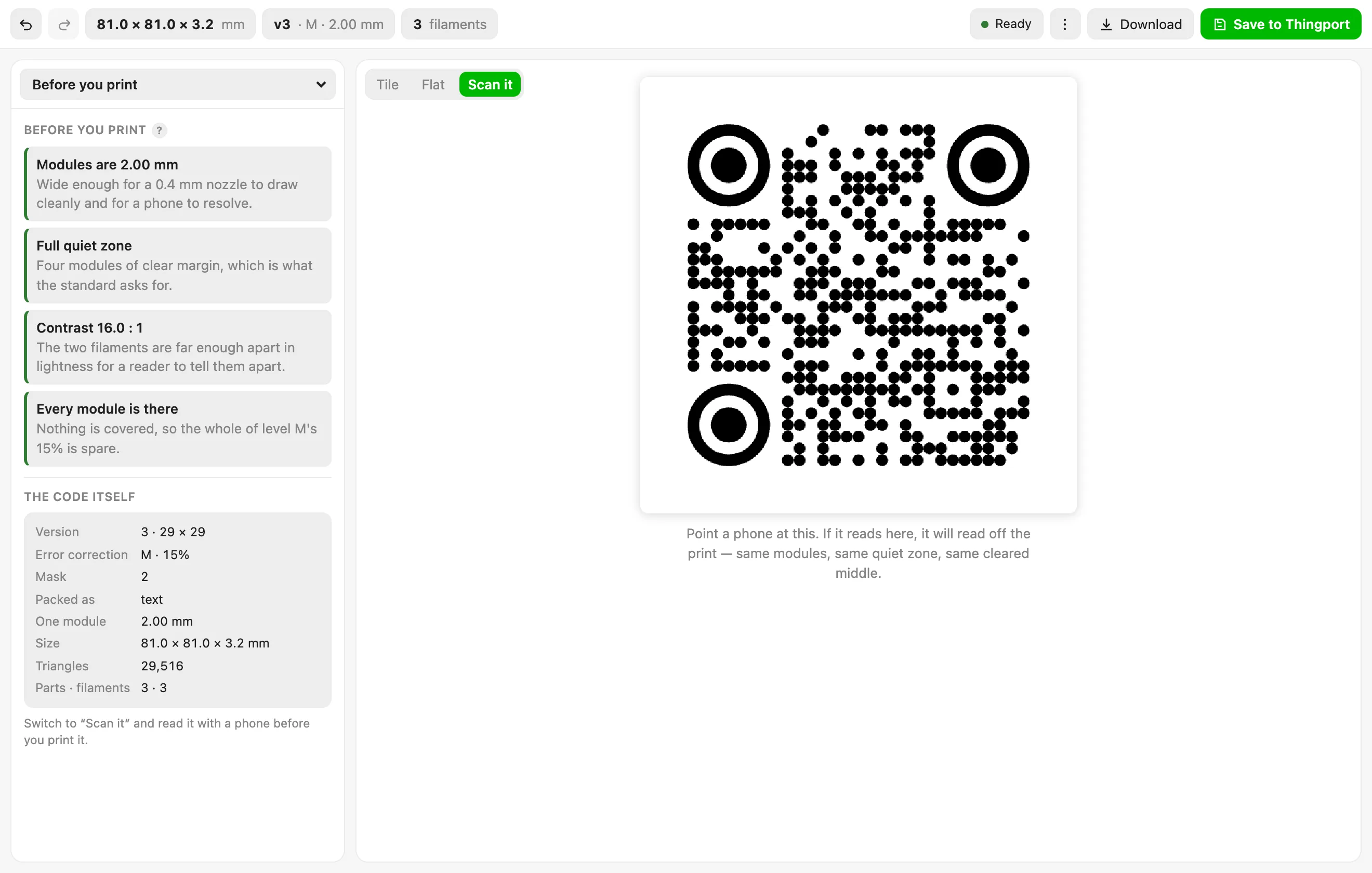
What to look at before printing: module size, quiet zone, contrast and the error correction left spare, with the code as a reader sees it. 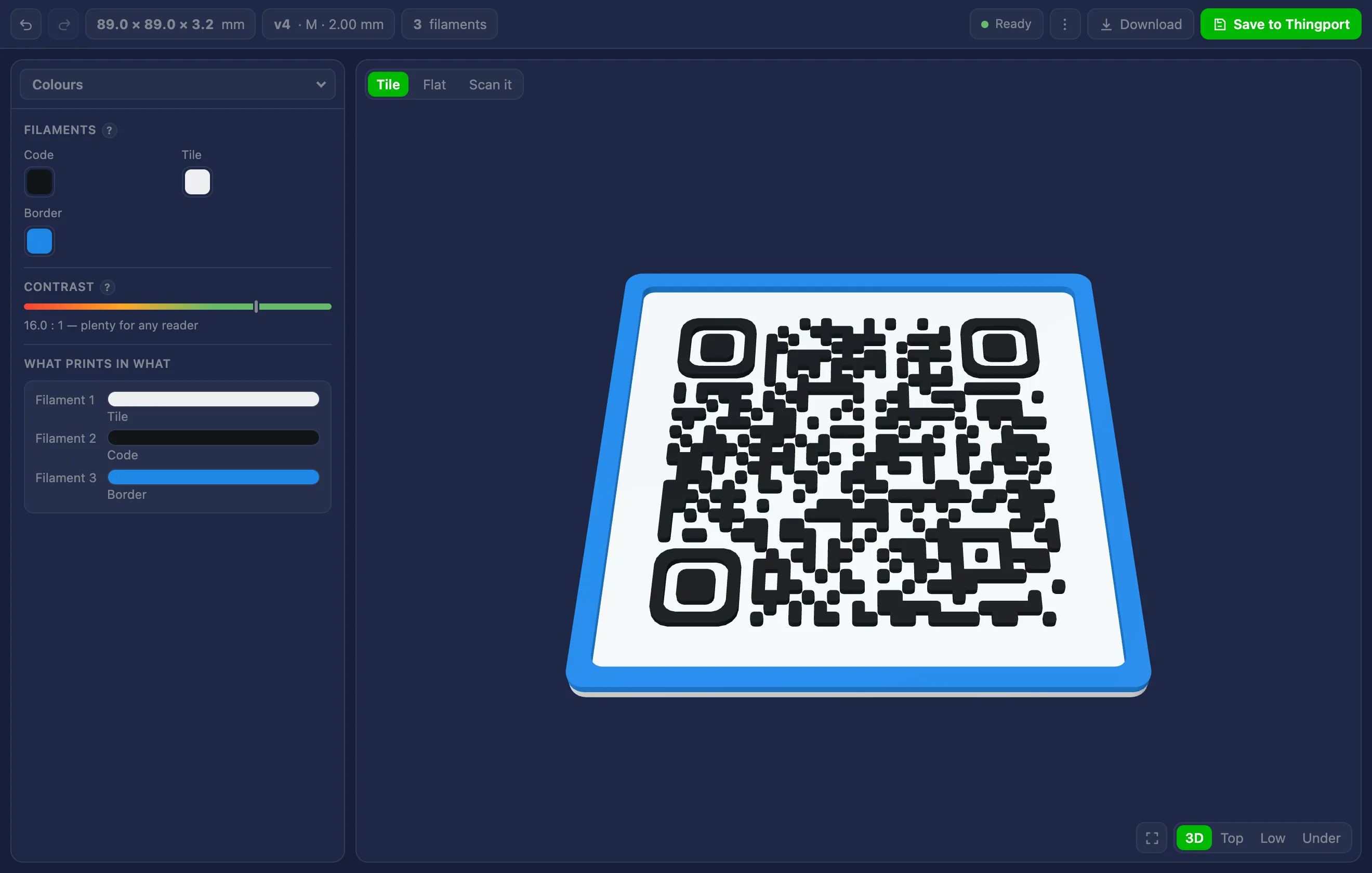
A Wi-Fi network, in the dark theme. Each part carries its filament into the 3MF, so a slicer opens it with the colours already assigned.
About QR code generator
Makes a QR code you can print: a link, a Wi-Fi network, a contact or any text, as a tile or a keyring fob, and saves it as a 3MF with a part per filament, ready to slice.
- What it says: a link (a bare domain gets
https://), free text, a Wi-Fi network as theWIFI:string a phone offers to join, or a contact as MECARD or vCard. Error correction L, M, Q or H, and either the smallest version that fits or one you pick, up to version 40. - Shape: a tile or a keyring fob with a hole, sized either by how big one module should be or by how wide the whole tile should be, with a quiet zone of four modules, two or none, rounded corners, and an optional raised border in its own colour.
- Style: modules raised above the tile or flush with it in two colours; eight module shapes — squares, rounded, dots, bevelled, and bars, columns, round bars and round columns, which join a run of modules into one piece — five frames and five pupils for the three big eyes, which follow the module shape unless you pick one, a module fill between 60% and 115%, and eight reliefs — flat, bevelled, domed, pyramid, ripple, ramp, terraces and saddle. Bevelled, domed and pyramid shape each module’s top; the other four stand the modules at different heights across the code.
- Caption and logo: words above or below the code, set in one of the typefaces Thingport carries, and a round or square patch in the middle for a logo, which may be an SVG you bring. Every module the patch touches is cleared, and the tool says how much of the error correction that used up.
- Before you print: the checks that decide whether a printed code actually scans — the module size against a nozzle, the quiet zone, the contrast between the two filaments, how much of the code a logo covers — and a Scan it view, the code flat in black and white, to read with a phone before anything is sliced.
Save to Thingport keeps it as a model: a 3MF with a part per filament, a picture of the tile, a picture of the code itself, and a description with the sizes, the filaments and anything worth knowing. Download also writes a single-colour STL, a PNG of the code, the settings as a file to open again, and the print notes as text.
What it reaches
Nothing outside Thingport: it declares no hosts, and the symbol is worked out in the browser rather than fetched from a service — so a Wi-Fi password or a contact in a code never leaves the machine. It keeps the design you were working on in its own settings, and creates a model, or adds one to a collection you pick, only when you ask it to.
A Wi-Fi code carries its password as text, which the window says before you save one: anyone who can open the model, or scan the code, has the password.
How the code is made
The symbol follows ISO/IEC 18004 and is built here rather than borrowed: the text is packed into digits, the 45-character alphanumeric set or bytes as UTF-8, padded, cut into blocks, given its Reed-Solomon check codewords, laid into the grid around the finder, timing and alignment patterns, and masked with whichever of the eight masks scores best under the standard’s four penalties. The whole payload goes in one mode rather than being split across several, which costs one version on an upper-case-heavy string such as a vCard; the window says when a smaller version would hold what you typed.
The geometry never subtracts one shape from another, which is what keeps a code of ten thousand modules quick. Every module shape is written as a radial function — how far its edge is from the middle of its cell in a given direction — so the same description gives the ring for the mesh, the path for the picture on screen, and, sampled in the same directions as the cell around it, the band of light between a dark dot and the edge of its cell. A shape also sees which of its sides have a neighbour, which is how a run of modules joins up without anything being merged: each cell draws out to the sides it shares, and is only shaped where the run stops. That band is what makes a flush code exact: its two filaments meet with no overlap and no gap, which the tests check by measuring the top layer against the area it has to fill.
Changing it
Edit source/ and build:
node source/build.mjs # tool.js and tool.json, from the files listed in build.mjsnode source/test_qr.mjs # the symbol, the content strings, every solid, and the labelsqr.js is the symbol, content.js the text a reader gets, shapes.js the module shapes and reliefs, mesh.js the
solids, outline.js the caption outlines and SVG import, layout.js where everything goes in millimetres,
caption.js the words, geometry.js the parts, model.js the model and its checks, scan.js the flat view,
files.js the 3MF, STL and the rest, viewer.js the 3D view and ui.js the window; tool.html is its markup and
styles.
The tests check the symbol against the character counts the standard publishes and against fingerprints of finished symbols that were compared, module for module, with an independent encoder; they also read a symbol back out of its own grid, check every solid is closed and the right way out for every shape, relief and option, and check that every label the tool asks for exists.