


Print cost estimator
Drop a model and get its print time, filament and real cost: material, power, machine wear, failures, your time and fees, with the price to charge for the margin you want.
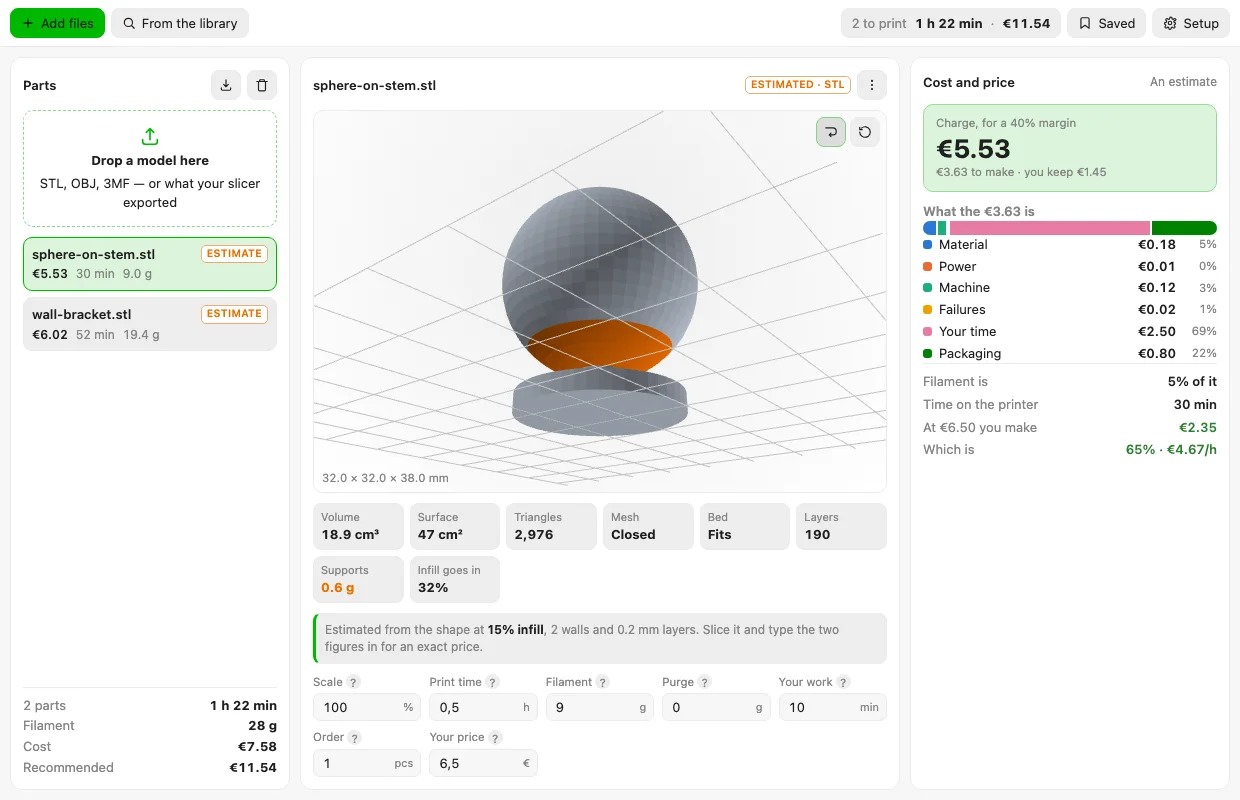
A model measured and priced: the faces that need holding up picked out in the view, what the print costs layer by layer, and what it makes at the price charged today. 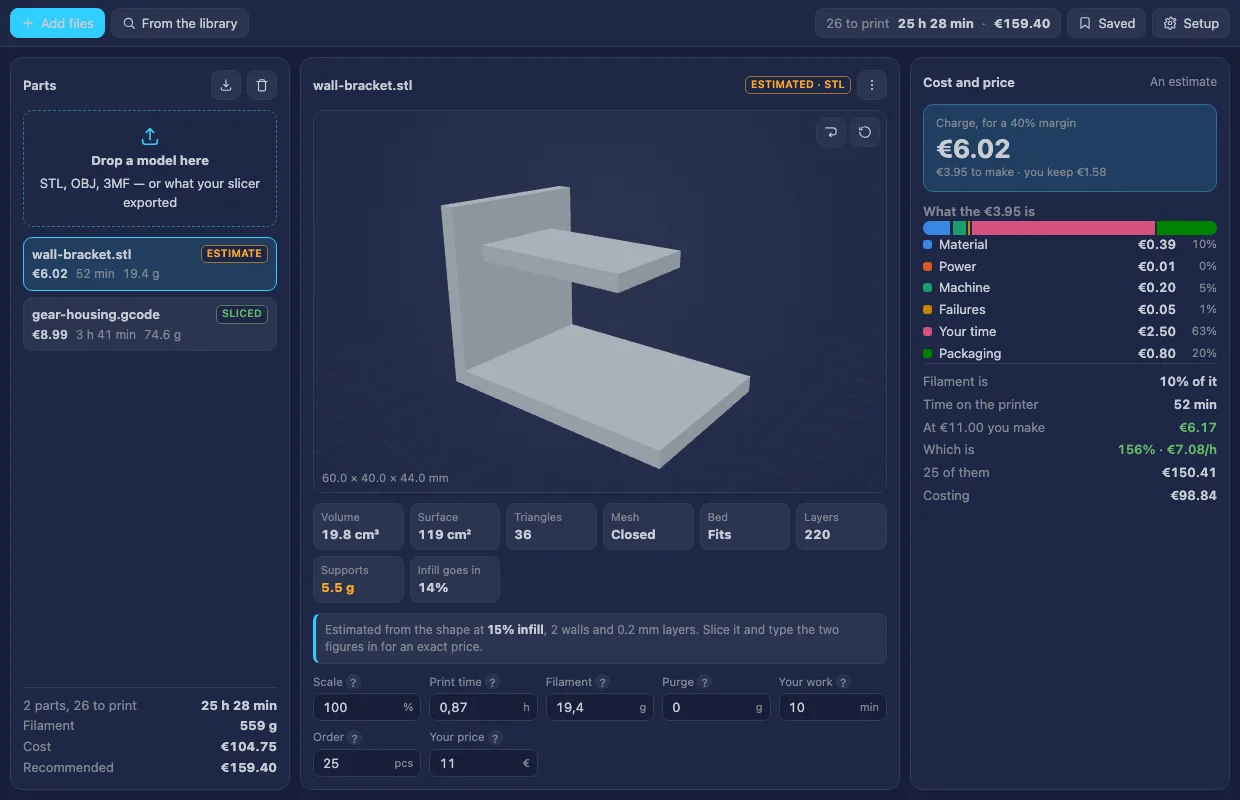
A sliced file beside a model: its time and weight are the slicer's own, so nothing about it is estimated, and the order total follows the quantity. 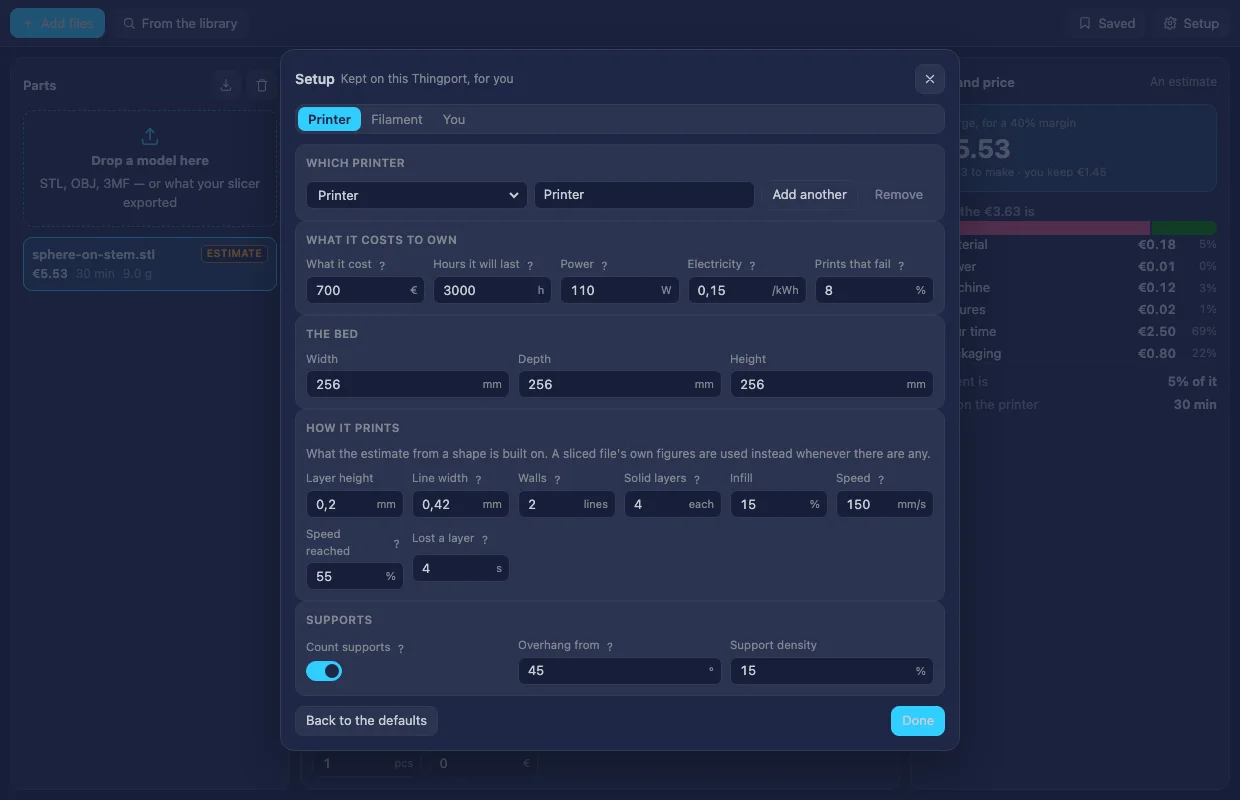
Setup, in the dark theme: the printer's cost, bed and print settings, the filament, and the rates a price is built from, kept for each user. 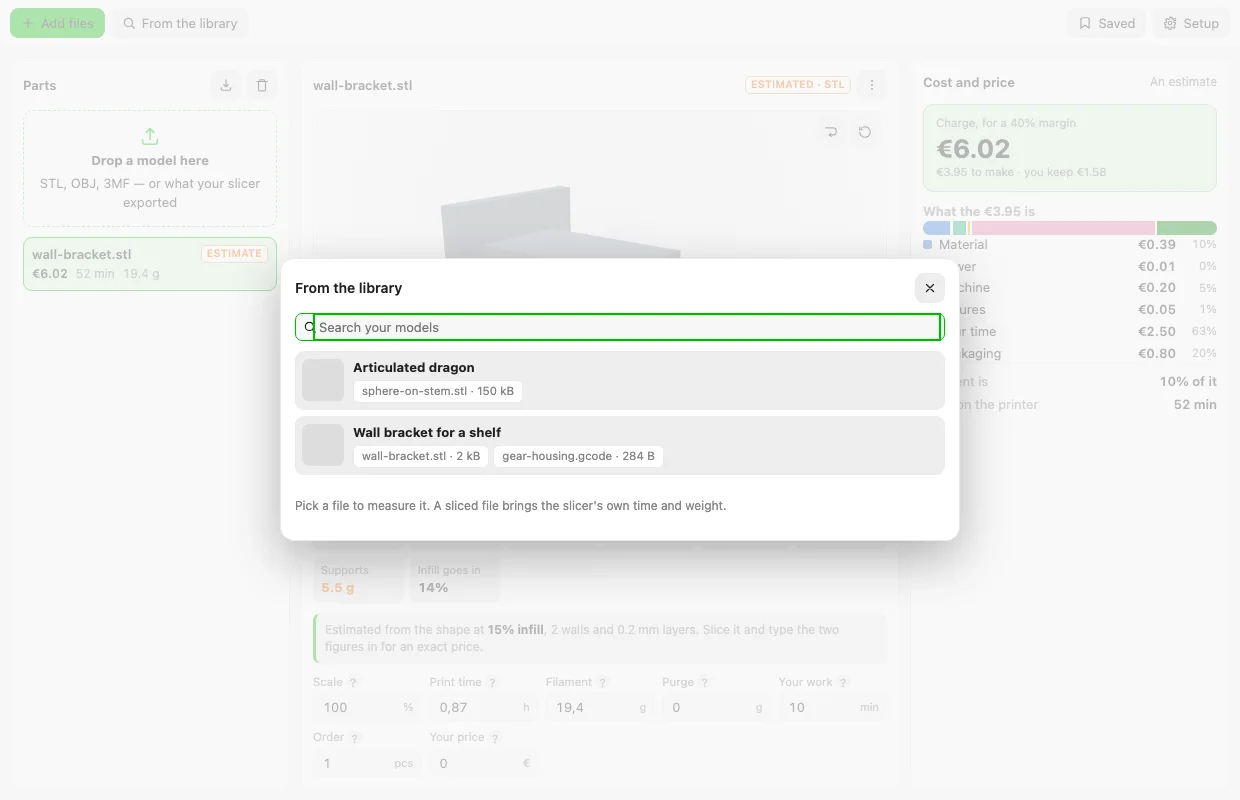
A part taken straight out of the library: search the models and pick the file to measure.
About Print cost estimator
Drop a model on it and get what the print really costs: the time, the filament, and the money — material, power, machine wear, the prints that fail, your own time, packaging and the platform’s cut — with the price to charge for the margin you want. Files are dropped on the window, chosen, or picked from a model in your library.
What it reads decides how exact it is, and the window says which it’s doing:
- A model (
.stl,.obj,.3mf) is measured and the print estimated from the printer’s settings: the solid shell, what the infill puts inside it, what supports would weigh, and the time that volume takes at the speed the printer reaches. Expect it to be close rather than exact. - What a slicer exported (
.gcode,.bgcode,.gcode.3mffrom Bambu Studio, Orca, PrusaSlicer or Cura) carries the slicer’s own time and weight, which are used as they are. Several plates on one file are fine: pick one, or add them all up, and say how many copies were on the plate to price a single part.
Either way every figure can be typed over, so a slicer’s numbers can be dropped into an estimate and the rest follows.
Beyond the price it shows the part on the bed in 3D, picks out the faces that need support, and says whether the mesh is closed and whether the part fits the printer — the three things that quietly ruin a quote.
What it works out
The cost of one part, layer by layer:
| Layer | How it’s worked out |
|---|---|
| Material | (part + purge) × the spool’s price per gram |
| Power | watts × hours × the price of a kilowatt-hour |
| Machine | hours × what the printer cost ÷ the hours it’s expected to last |
| Failures | the three above × the share of prints that fail, since the good ones pay for the bad ones |
| Your time | the minutes of your own work × your hourly rate |
| Packaging | what a bag, box and label cost |
The price to charge is cost × (1 + margin) ÷ (1 − fee): the platform’s cut comes off the sale, not off the cost, so
it has to be divided out rather than added on — at a 10% fee and a €10 cost, €11 leaves you €9.90 and €11.11 leaves
you €10. Beside it the window shows what you make at the price you charge today, per part and per hour.
Printers, filaments and your rates are kept in Setup, in the tool’s own storage, for you alone; you can keep several printers and filaments and switch between them. A part’s estimate can be saved, and the saved ones and the whole queue download as a CSV.
What it reaches
Nothing outside Thingport: it declares no hosts, and every file is read in the browser.
It reads your models and their files when you pick one from the library, and it changes nothing in your library unless you ask it to: Add it to the model’s notes is the only action that writes anything, it asks first, and it adds its line to the end of the notes rather than replacing them. It brings no models of its own.
How exact the estimate is
A print’s time and weight come out of slicing, which this doesn’t do, so an estimate from a shape is arithmetic over the solid rather than a toolpath. It is usually within a quarter of the truth, and it has two dials in Setup for closing that gap against your own printer:
- Speed reached — the share of the profile’s speed the printer really holds. Raise it if the estimated time comes out longer than your slicer’s, lower it if it comes out shorter.
- Lost a layer — the seconds a layer that aren’t extruding: travel, the Z move, the seam, retractions.
Slice one part, compare, turn those two until they agree, and every estimate after it is close. For a quote that has to be right, drop the sliced file instead — then nothing is estimated at all.
Changing it
Edit source/ and build:
node source/build.mjs # tool.js and tool.json, from the files under source/node source/test_estimator.mjs # the readers, the measuring, the estimate and the pricesource/ is the tool in parts: zip.js and mesh.js read the files (STL, OBJ and 3MF, with the build’s transforms
and units), slicer.js reads what a slicer exported, geometry.js measures a solid, estimate.js turns that into
grams and hours, cost.js into money, viewer.js draws the part with WebGL, and ui.js is the window. The build
joins them into one module and refuses to if two of them declare the same name.