


Script customizer
Generates a model again from the OpenSCAD script it came with: its own sliders, choices and text, rendered here and saved back into your library.
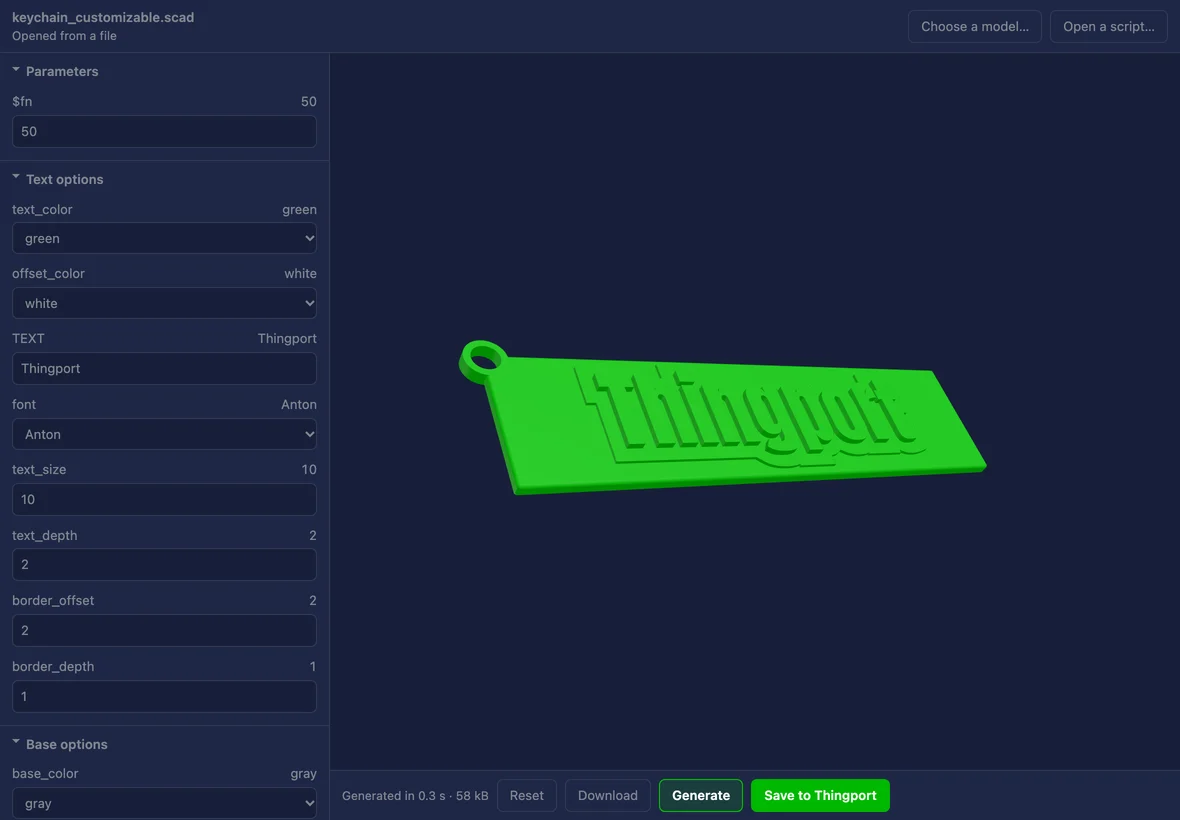
A keychain generated from the script it was imported with: the author's own text, typeface and sizes, changed here and rendered in under a second. 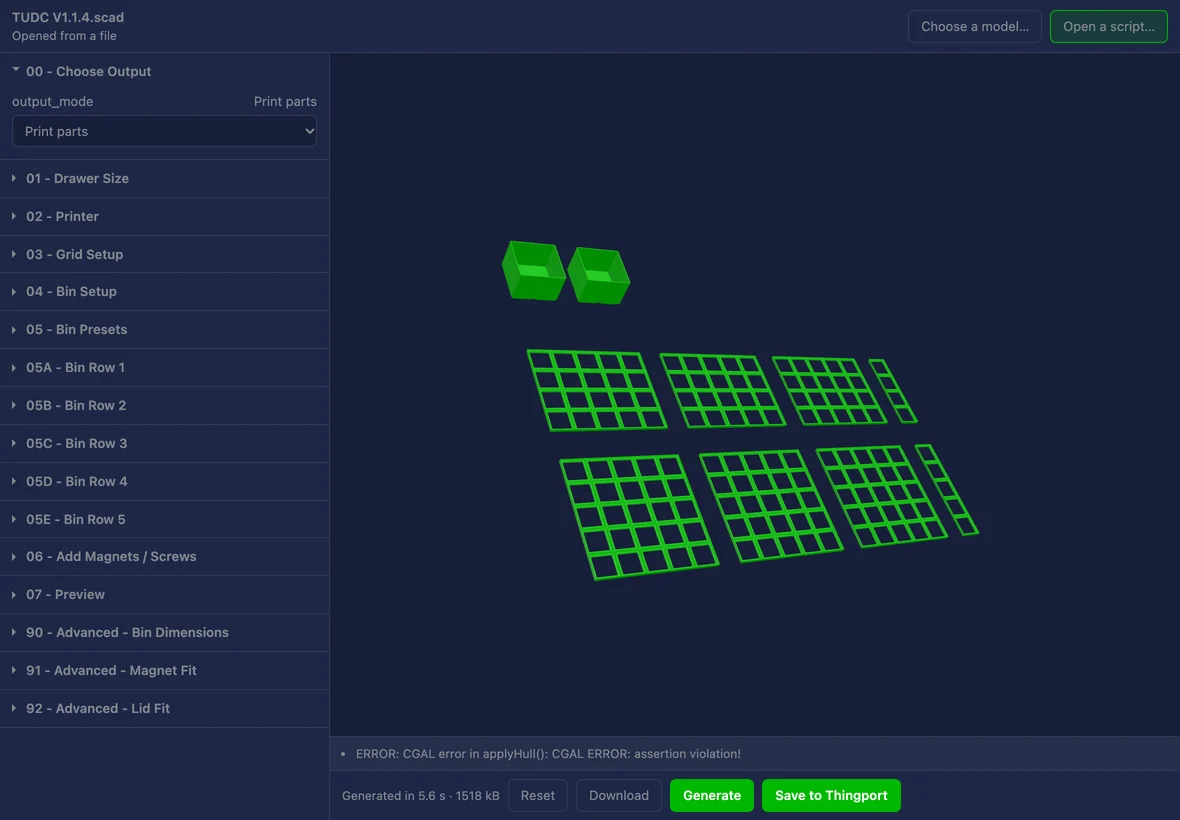
A drawer configurator with sixty-five parameters in sixteen groups, folded so the first is open; what the engine had to say about the model is under the preview. 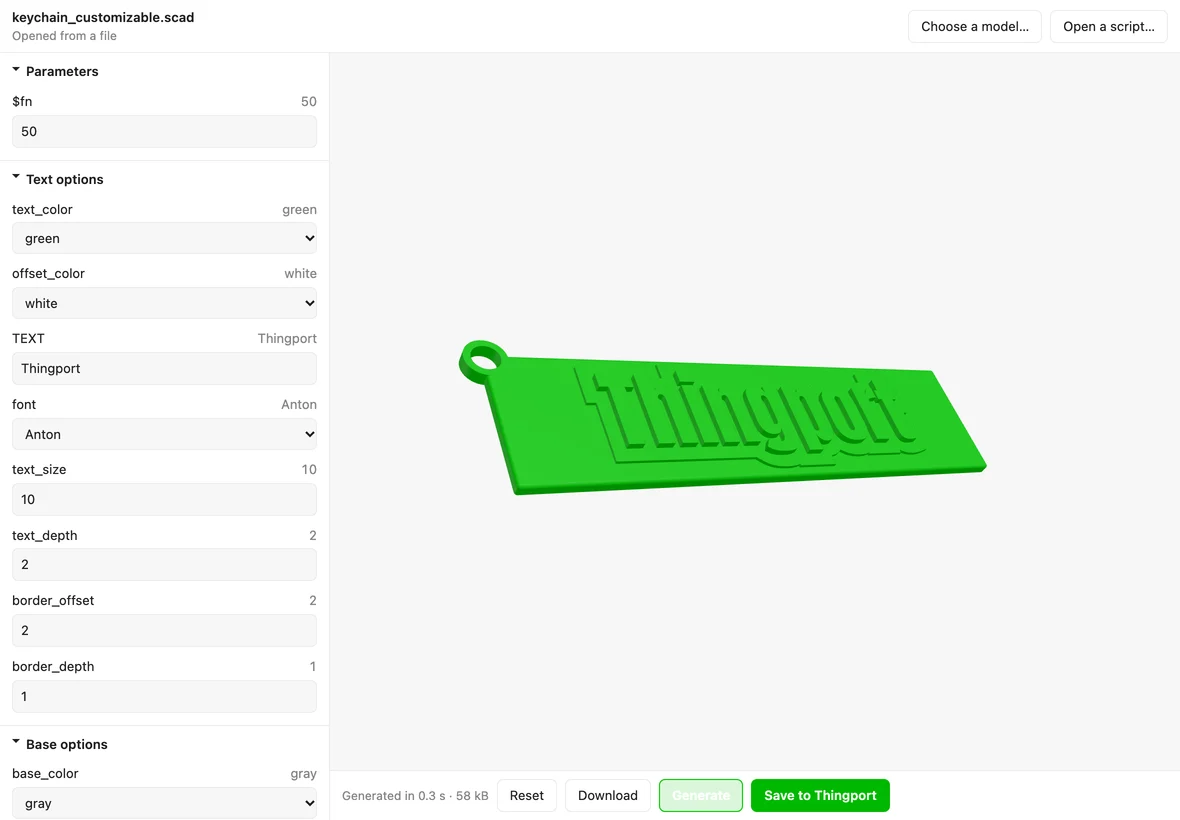
The same keychain in the light theme, with the dropdowns the script declares rather than free text boxes.
About Script customizer
Generates a model again from the OpenSCAD script it came with. Some sites let a creator publish the script a model is built from rather than only the finished mesh; where Thingport imported one, this is where you change it — the same sliders, choices and text boxes the creator set up — and save the result back into your library.
The parameters are read by OpenSCAD itself, not by anything of Thingport’s, so the groups, the ranges, the
explanations behind each ? and the choices in each dropdown are the ones the script’s author wrote. A script with
nothing declared has nothing to change, and says so.
Scripts written for MakerWorld get what its customizer offers and OpenSCAD’s own doesn’t: parameters declared further down a script than OpenSCAD looks, and its colour, typeface and file pickers. A file starts on a plain stand-in until you choose one, and what you choose stays in the tab.
Generate renders it; Save to Thingport keeps the result as a new model, a 3MF, with a description saying which script it came from. Download hands you the file instead. Drag in the preview to turn the model, scroll to come closer.
It generates when you ask rather than as you drag a slider. A real generator takes a second or four, and a preview that chases every pixel of a slider would spend all of them.
What it reaches
Nothing outside Thingport: it declares no hosts, and the engine runs in the tab. The script, the values you choose and the model that comes out never leave your instance — which is the point, since the site the script came from would otherwise be the only place to customise it.
It reads a model’s files and creates a model when you ask it to. It changes nothing that is already there.
What it can and can’t run
The engine is OpenSCAD built for WebAssembly, carried in
frontend/src/assets/openscad, and the libraries a script may include are in
frontend/src/assets/scadLibraries — BOSL2 today, which is what nearly
every script that includes anything includes. Other .scad files that came with the same model are found too,
whatever folder the script expects them in. A script reaching for anything else has the notes under the preview name
what’s missing, rather than quietly producing the wrong shape.
Fonts are the ones Thingport ships for its tools. A script asking for a typeface that isn’t among them still renders, in PT Sans, and OpenSCAD doesn’t mention it: where the script declares the typeface as a parameter, its field says so.
Changing it
Edit source/ and build:
node source/build.mjs # tool.js and tool.json, from script.js, viewer.js, ui.js, icon.svg and tool.base.jsonscript.js decides which file is a script and which control a parameter wants, viewer.js draws the result, and
ui.js is the window; tool.html is its markup and styles.