

Synced collections: your MakerWorld, Printables and Thingiverse collections, kept up to date
Importing a collection into Thingport has always been a one-off: you get every model that’s in it today. Save another model to that collection next week and you’d have to go back and import it again.
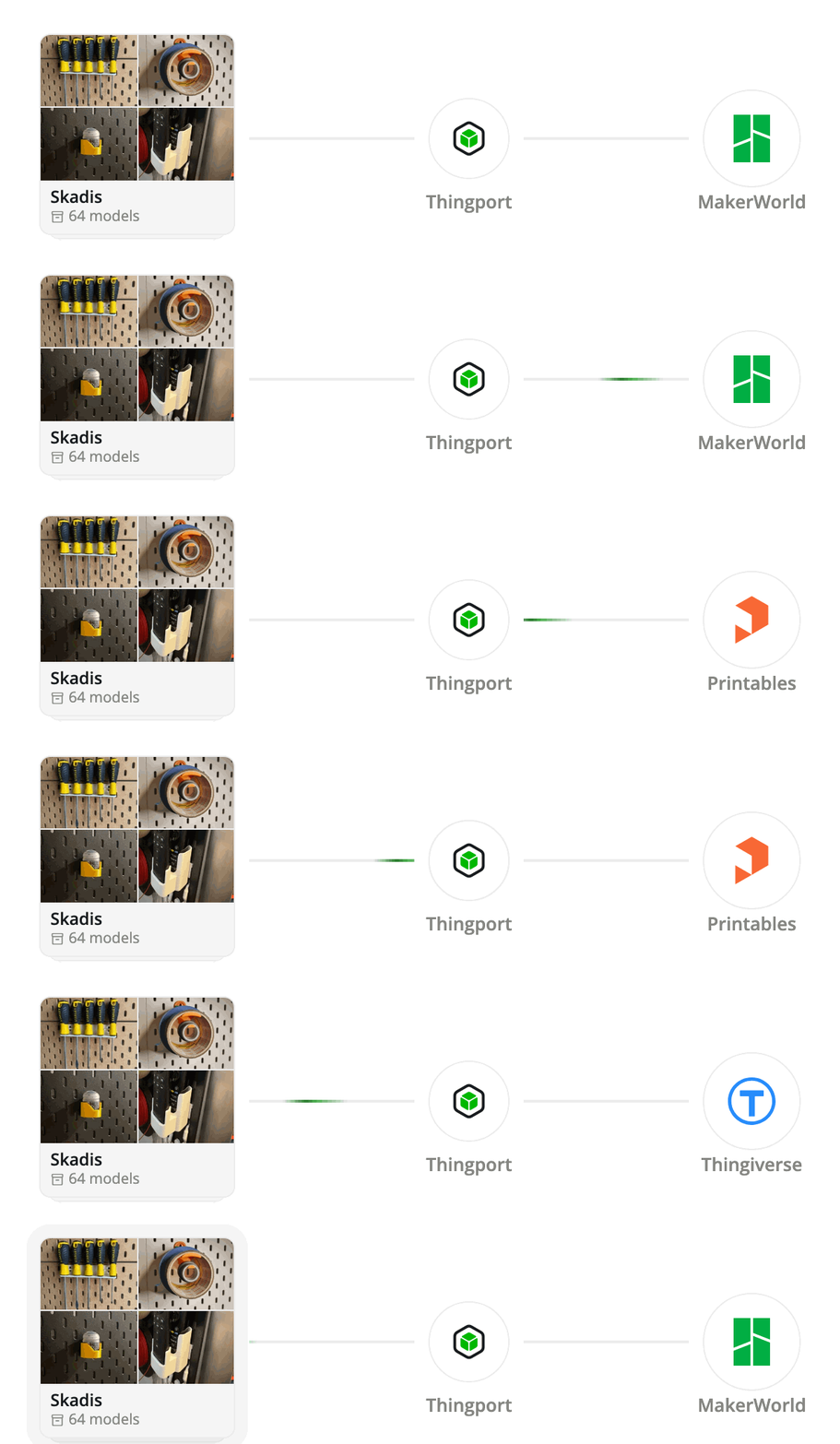
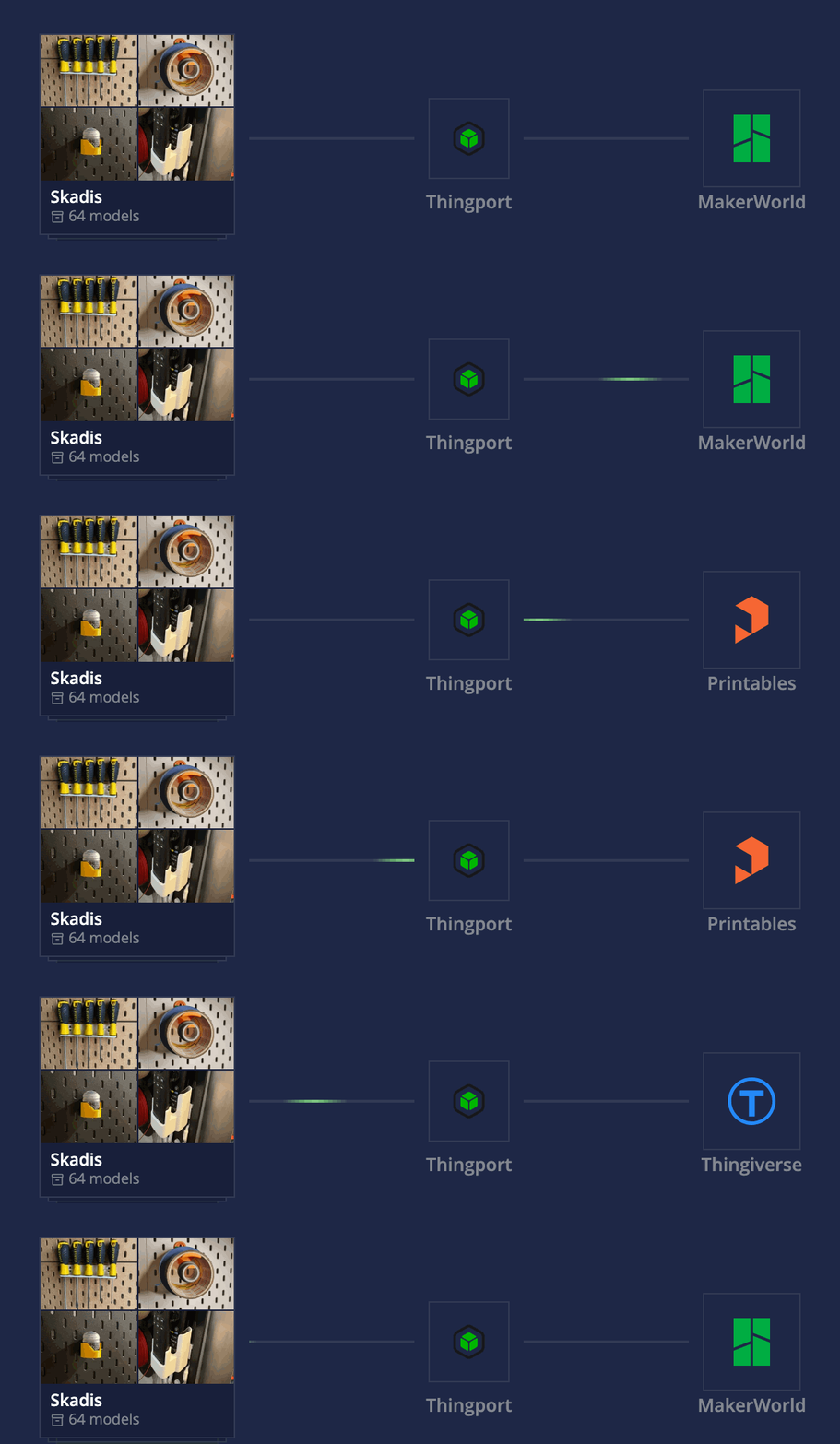
Synced collections fix that. Link a MakerWorld, Printables or Thingiverse collection to Thingport once, and every model added to it from then on comes into your library by itself.
Why it’s useful
- Keep collecting where you already do. Save models to a collection while you browse a site, even on your phone, and they’re in Thingport the next time you look.
- Follow other people’s collections. Sync a designer’s or a friend’s public collection, or a Thingiverse user’s likes, and get each model they add.
- A real copy, not a bookmark. Each new model comes in with its files, photos, description, tags and author.
Turning it on
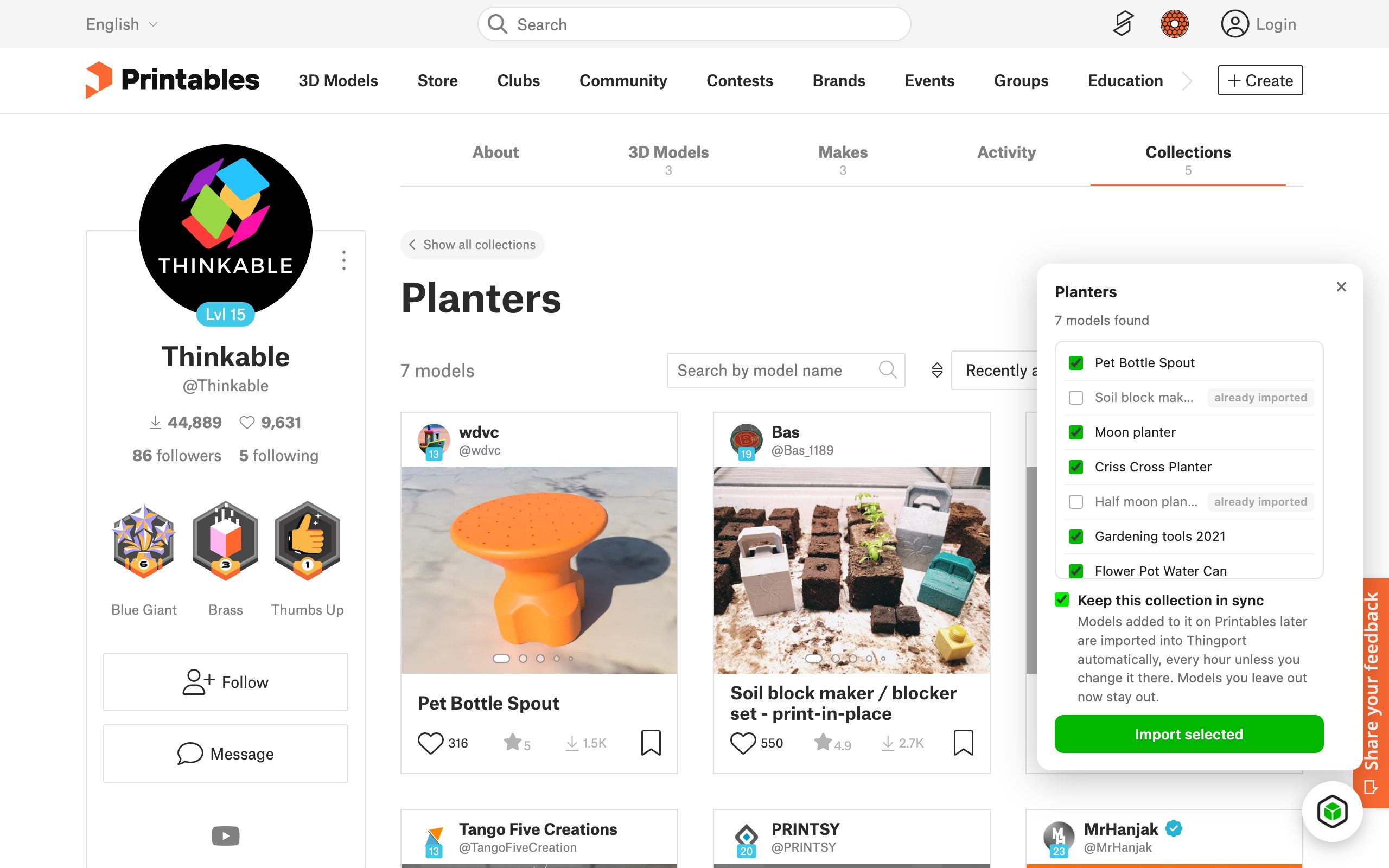
Open the collection’s page on MakerWorld, Printables or Thingiverse, open Thingport Grab, and tick Keep this collection in sync. Pick the models you want now and import them as usual. Already imported the collection before? Tick the box and click Save.
What happens next
Thingport checks the collection once a day (or every 6 hours or every hour, if you’d rather) and imports what’s new, one model at a time, a minute apart, so the provider’s limits aren’t hit. A notification tells you what came in.
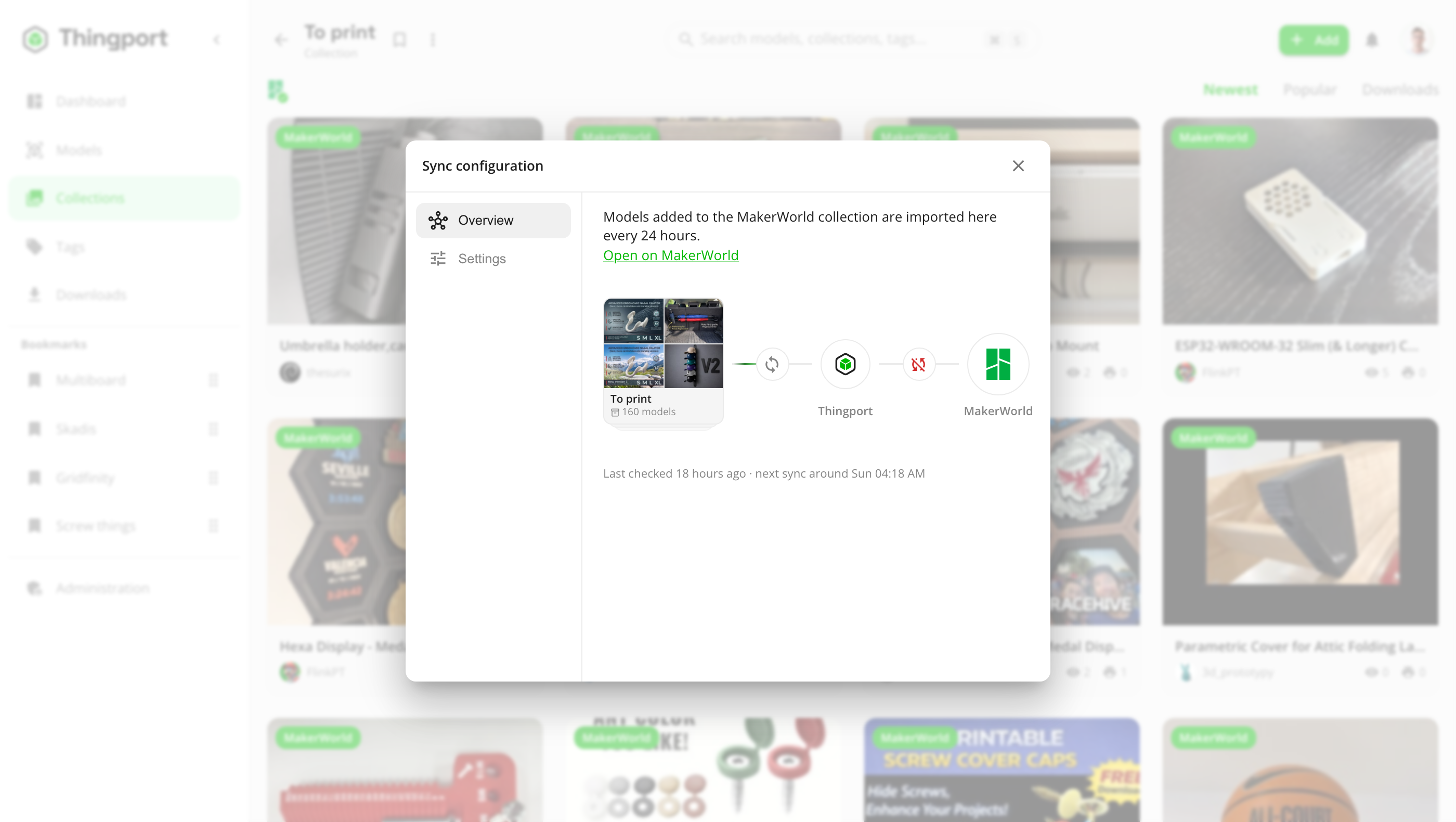
Synced collections show the provider’s logo on the Collections page. Open one and click the logo to see its sync configuration: when it was last checked, when the next check is due, Sync now, Stop syncing, and settings such as which MakerWorld print profiles each new model brings.
A few things it deliberately doesn’t do:
- It never deletes. A model removed from the provider’s collection stays in Thingport.
- It doesn’t bring things back. Models you left out when you turned sync on, or deleted from your library later, stay out.
- It doesn’t break on renames. Rename the collection on either side and it stays linked.
Get it
Synced collections need the latest Thingport images and Thingport Grab 1.4.0 or newer, for Chrome, Edge and Firefox.
Pull the new images with docker compose pull && docker compose up -d, and your browser updates Grab on its own.
The synced collections guide covers the details: what each provider needs, how rate limits and deleted collections are handled, and the settings admins can change.