

Thingport 1.7.0: open any 3MF file as if tailored for you
A 3MF is made in one slicer, for one printer. Open it anywhere else and colours, parts or settings go missing, or it lands on a printer you don’t own.
Not any more. Thingport 1.7.0 opens any 3MF as if it had been made for your slicer and your printer, wherever it comes from, and the Thingport Grab extension downloads those copies straight from the model’s page. There’s more: free up gigabytes on the Administration → Storage page, import from QIDI Maker and VoxelShare, move in from another instance, earn achievements, and use Thingport in Simplified Chinese.
Made for your slicer and printer
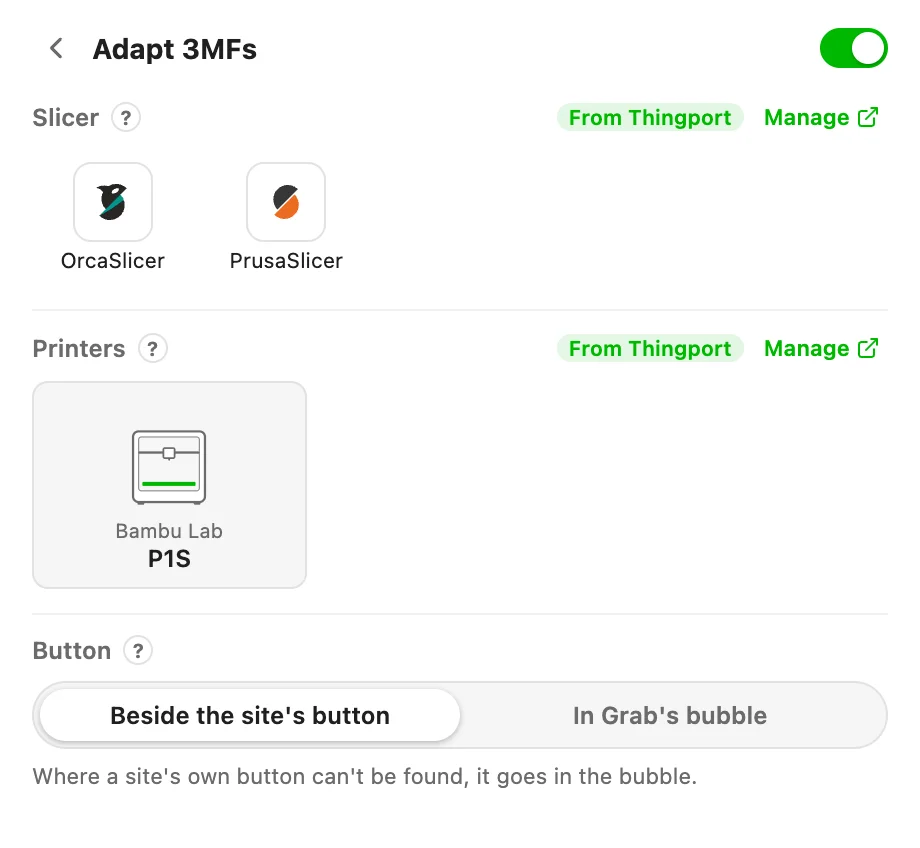
Whatever slicer you use and whatever printer you own, a 3MF from any site now opens as your own: colours, parts, plates and the designer’s settings intact, laid out on your printer’s bed. Getting it takes two steps:
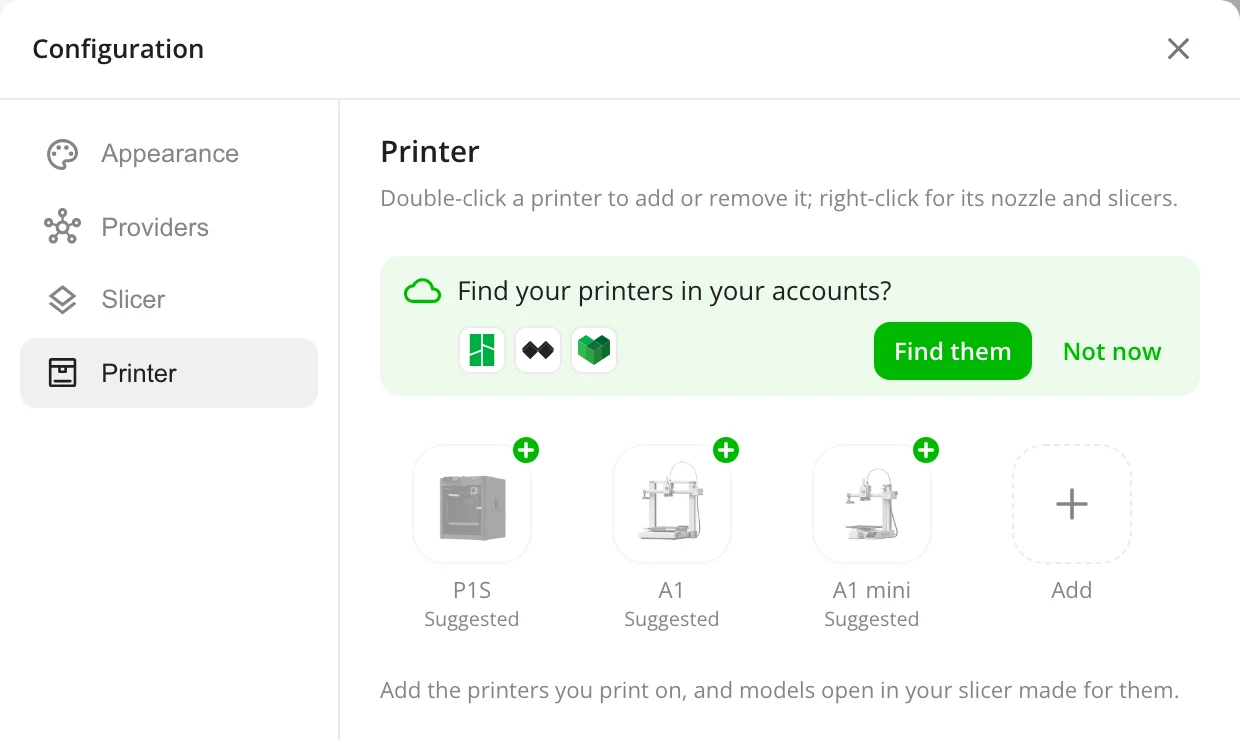
- Tell Thingport what you print with. Pick your slicers and add your printers in the Configuration dialog, under Slicer and Printer. Thingport suggests printers from your library, and can even find them in your printer makers’ accounts.
- Click Open adapted on any model page.
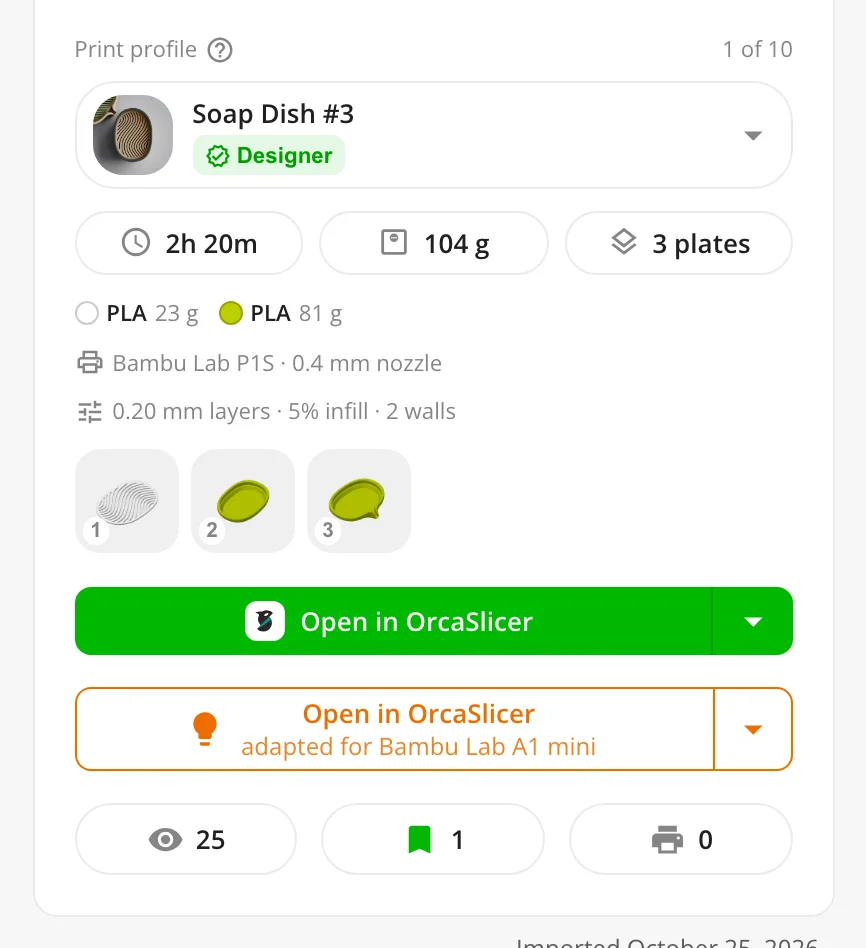
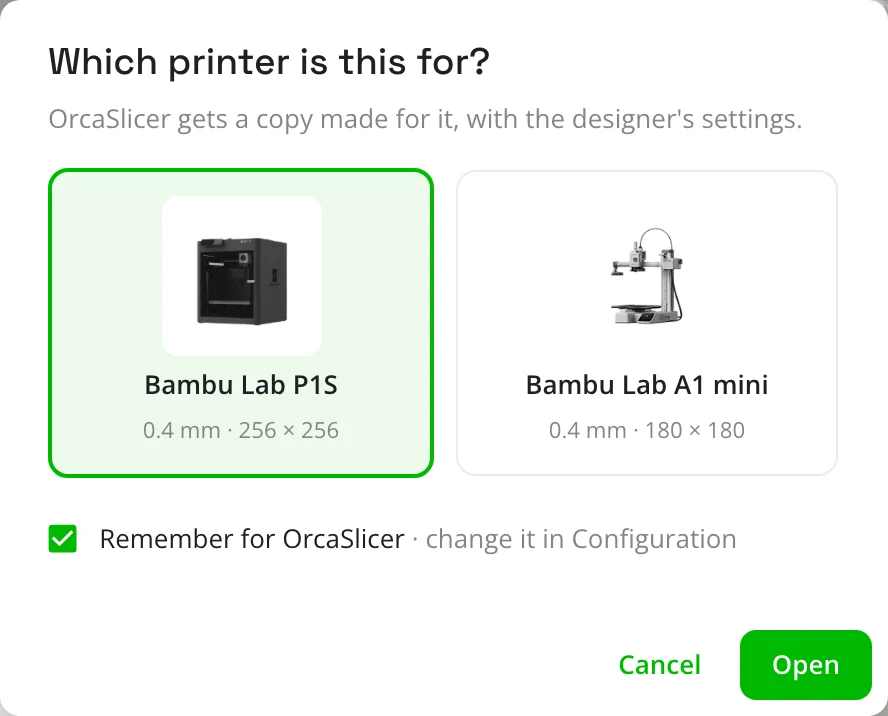
Bambu Studio, OrcaSlicer, PrusaSlicer, Cura and the rest each get the copy they read best, and the stored file never changes. Thingport asks once which printer a slicer’s copies are for, and remembers.
How it works, slicer by slicer: Adapted 3MFs.
Download adapted, straight from the model’s page
The Thingport Grab browser extension puts a Download adapted button right beside the download button on nine model sites, MakerWorld and Printables among them. One click, and the 3MF is already made for your slicer and printer.
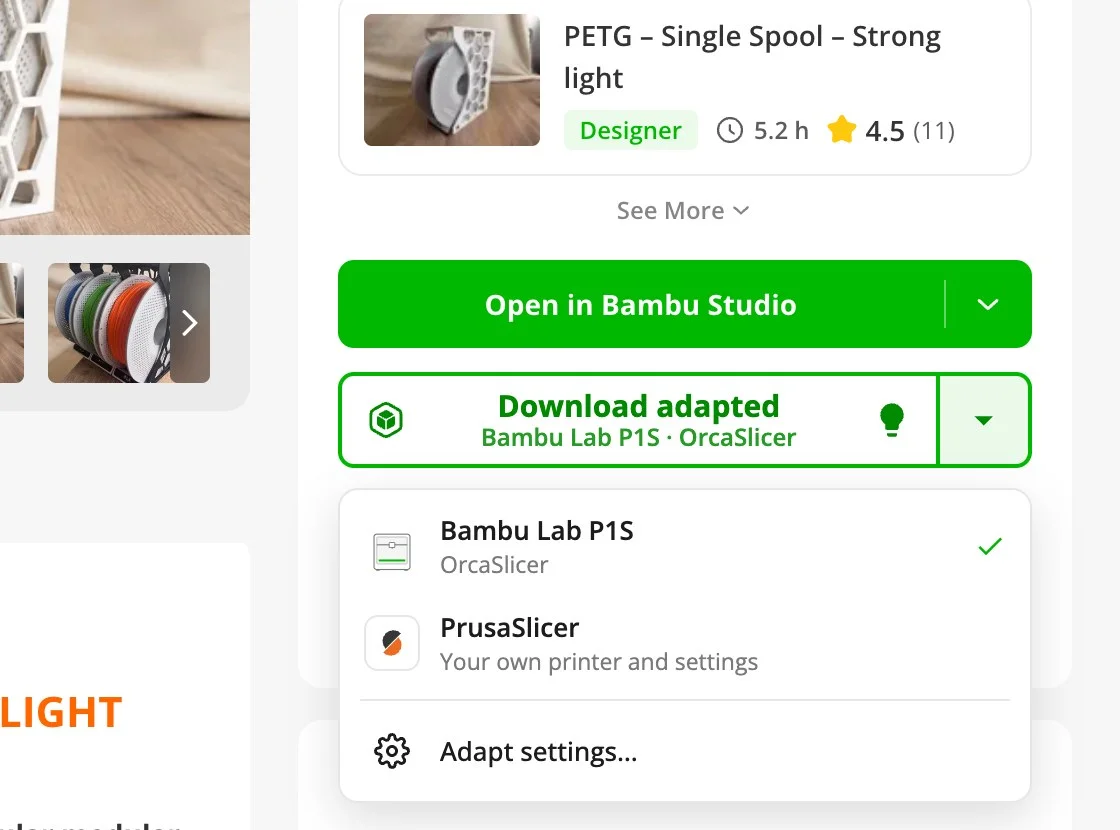
It works even without a Thingport instance connected to the extension: just pick your slicer and printers in its popup. Connected, it uses the ones you picked in your Thingport instance. More in Thingport Grab.
Free up gigabytes in a few clicks
The Administration → Storage page now shows what really fills your disk. On one library, 16 GB of “pictures and previews” turned out to be mostly 3D previews, old copies and leftovers included.
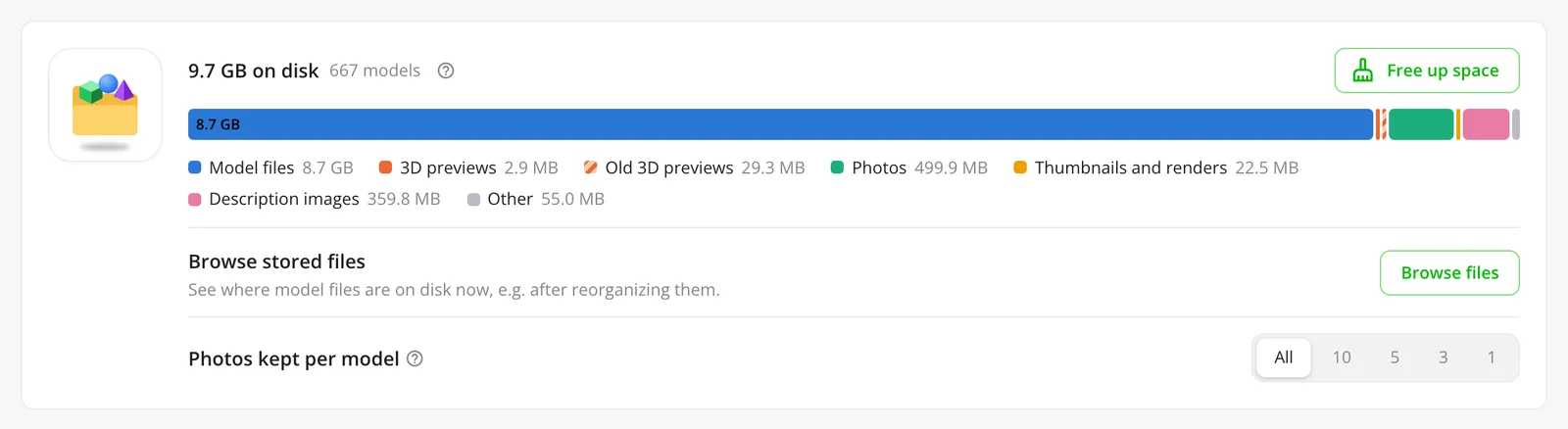
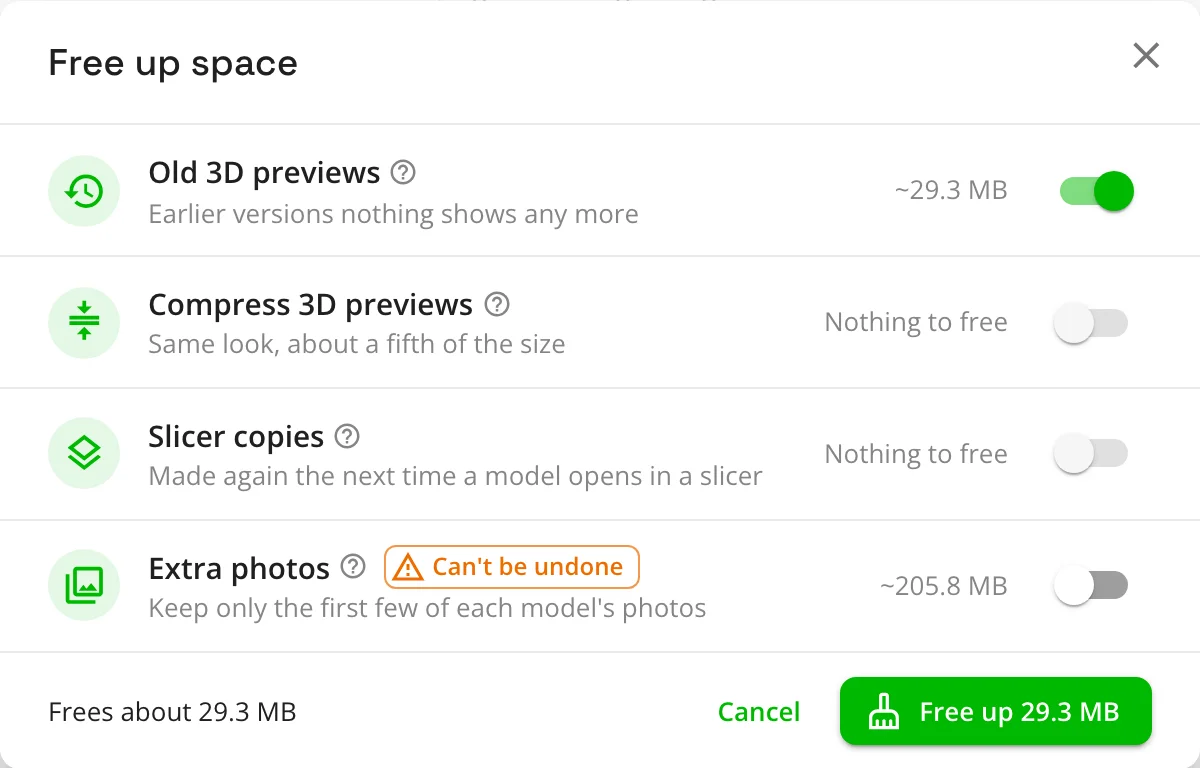
Its Free up space button clears what nothing needs: old 3D previews, leftover slicer copies and, if you like, extra photos. New 3D previews take a fifth of the space they used to. More in Disk space.
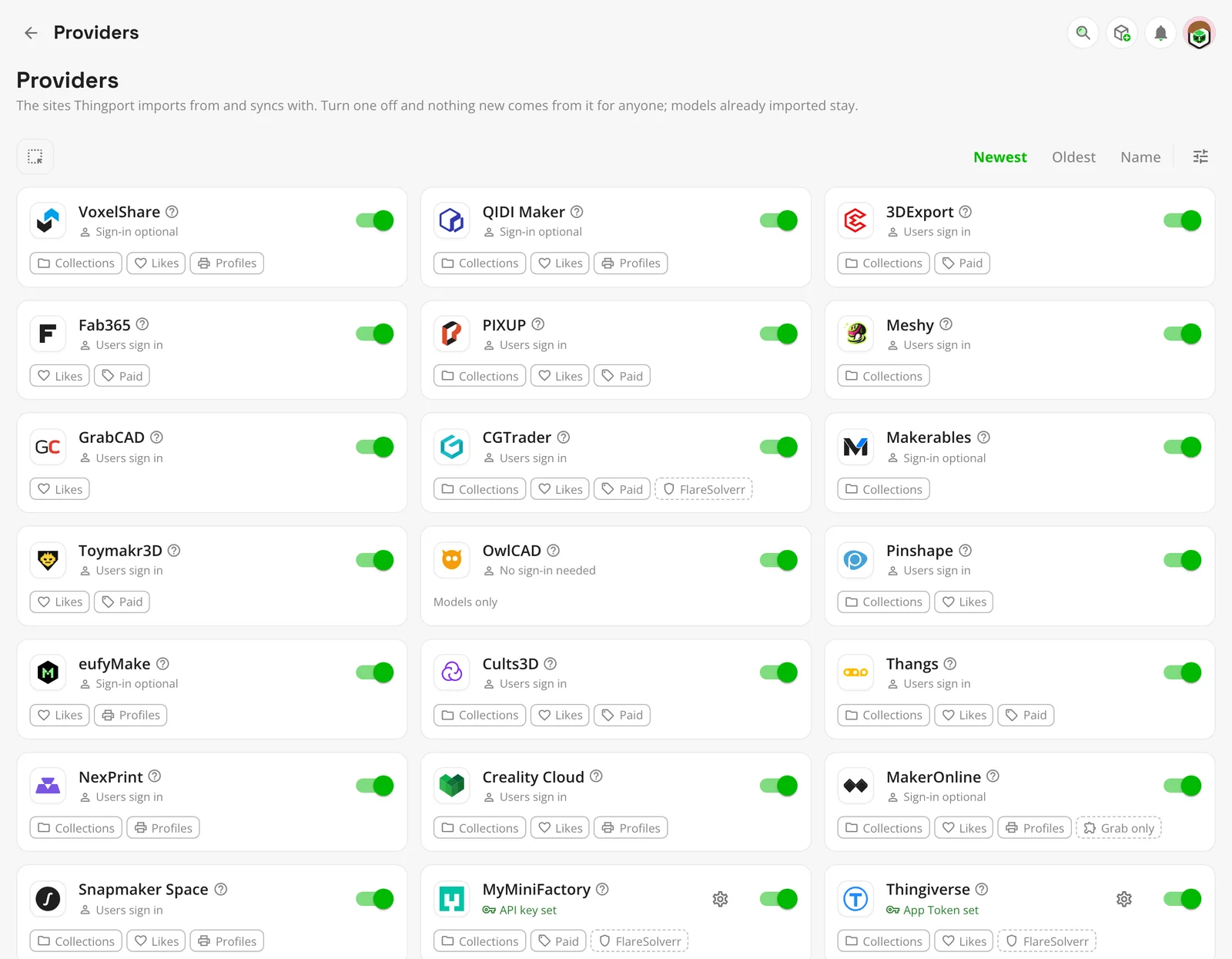
QIDI Maker and VoxelShare: 23 sites to import from
Two printer makers’ model communities join in, QIDI Maker and VoxelShare, with their print profiles, collections and likes. Their slicers come along too: QIDI Studio and Flash Studio open what you import.
Move in from another instance
The new Administration → Migrate page brings another Thingport instance’s people and libraries over, online or from a backup of any release since 1.0.0, and never brings anything twice. It can bring a Manyfold library in too.
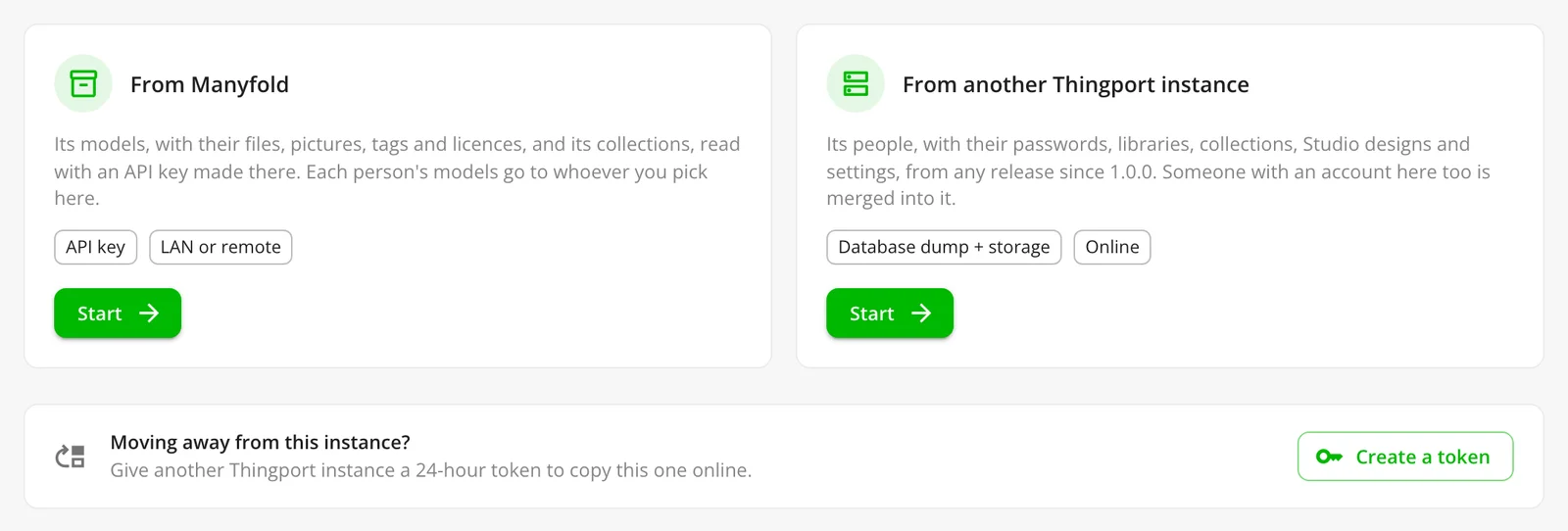
Step by step: Move to another Thingport instance and Move from Manyfold.
Achievements
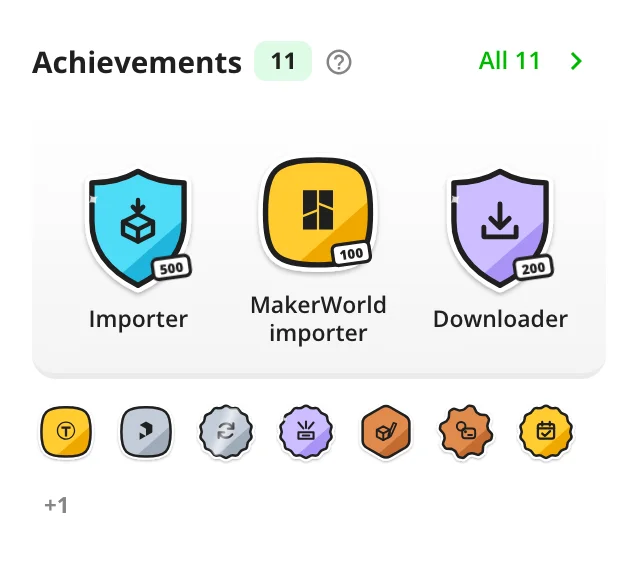
Earn badges, from bronze to holographic, for importing, downloading, designing in Studio, syncing collections, and a few secrets. They show on your My models page and on the Explore page. An admin turns them on in the Administration → Social page.
简体中文, and two China sites
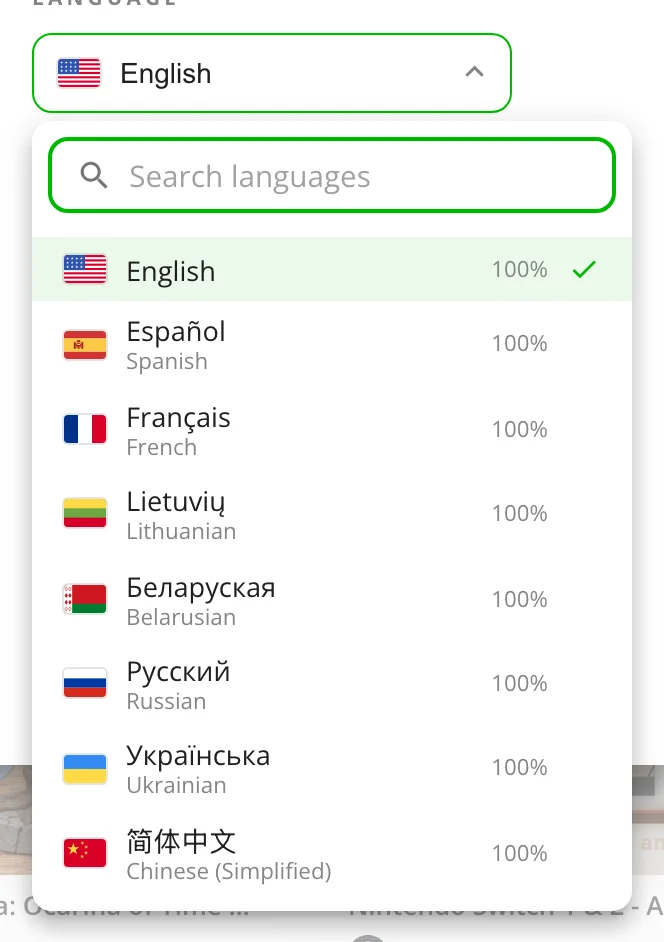
Thingport and the Thingport Grab extension now speak Simplified Chinese, and the China sites of Snapmaker Space and VoxelShare import too.
Also new
- One collection, several sources: a synced collection can follow lists on several sites at once.
- Files keep their folders, on the model page and in downloads.
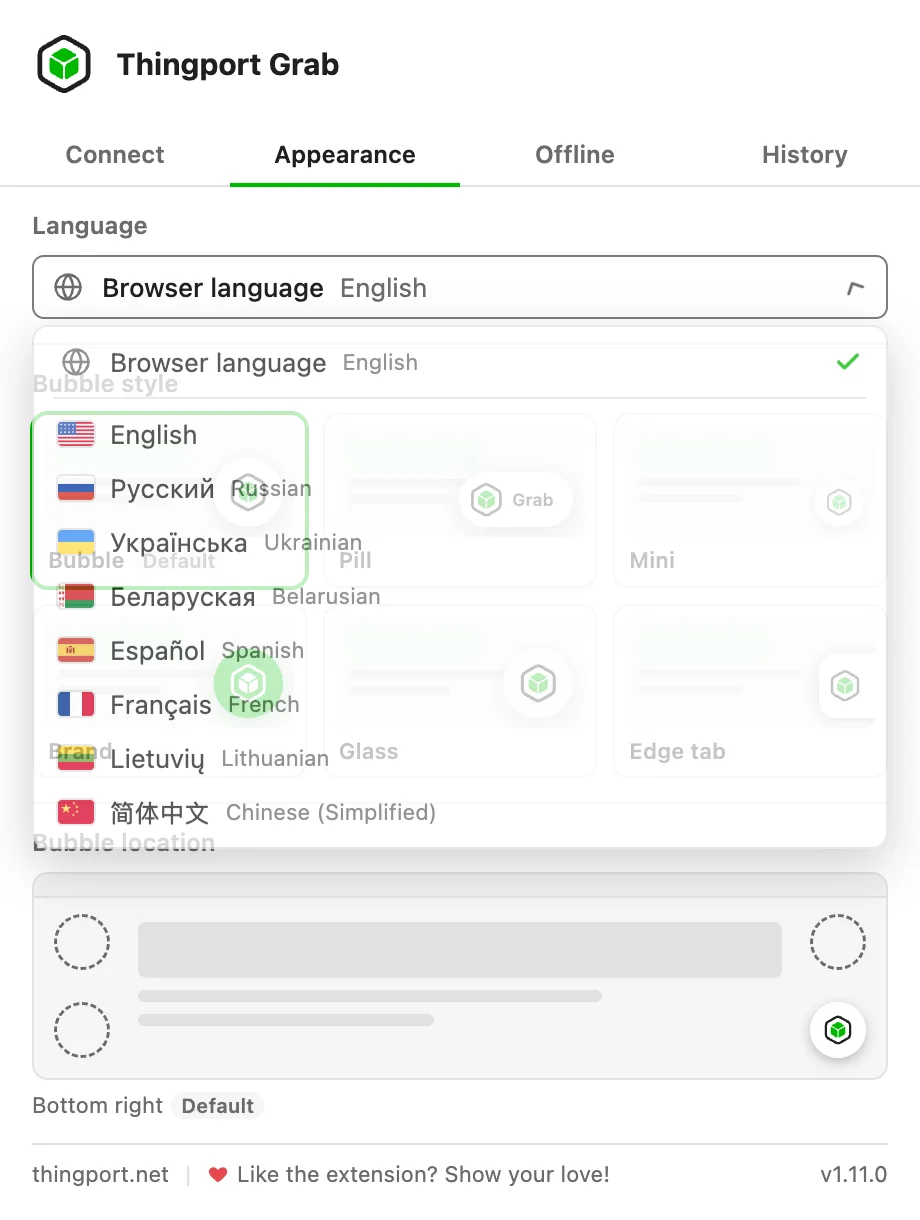
- The Thingport Grab extension speaks your language, every one Thingport does.
- Puzzles solved, imports carried on: when MakerWorld or MakerOnline wants a puzzle solved, the Thingport Grab extension shows it and carries on once it’s solved.
- eufyMake’s print files import as print profiles.
- Invite links without email: the Invite users button on the Administration → Auth page gives you a link to send yourself.
- The Thingport Bridge desktop helper tells you when a new version is out, and updating it on macOS finally works.
- Love Thingport? The What’s new dialog, the Administration → Overview page and the Thingport Grab popup now show ways to support it.
- After a tool saves a model, an Open button takes you straight to it.
- Russian, Ukrainian and Belarusian translations are complete.
Fixes
- Rotated parts face the right way in 3D previews and model pictures.
- Importing several MakerWorld print profiles with the Thingport Grab extension no longer stalls or downloads ones you have.
- Pairing the Thingport Grab extension survives the browser’s permission prompt.
- Some Bambu Studio projects no longer show an empty plate in the 3D preview, and more NexPrint models import.
Thank you
1.7.0 grew out of your reports, ideas, fixes and translations. Thanks to CandidB, maxbrueckl, nevergone, SeoliteQ, slewantoski, truri83 and WEBzaytsev!
Get it
Pull the new images and restart, as in Updating:
docker compose pull && docker compose up -dBuilt from a checkout instead? Pull the code and build the images again:
git pull && docker compose up -d --buildUpdate the frontend and backend together, then pick your slicers and printers in the Configuration dialog to get the
most out of Open adapted. The Thingport Grab extension updates itself through your browser’s extension store. The
Thingport Bridge desktop helper doesn’t: if you use it, install the new one from the
bridge-latest release over the old one.
Happy printing, on the printer you actually have.
Comments
Kept in the project's GitHub Discussions: sign in with GitHub to join in.